Overview
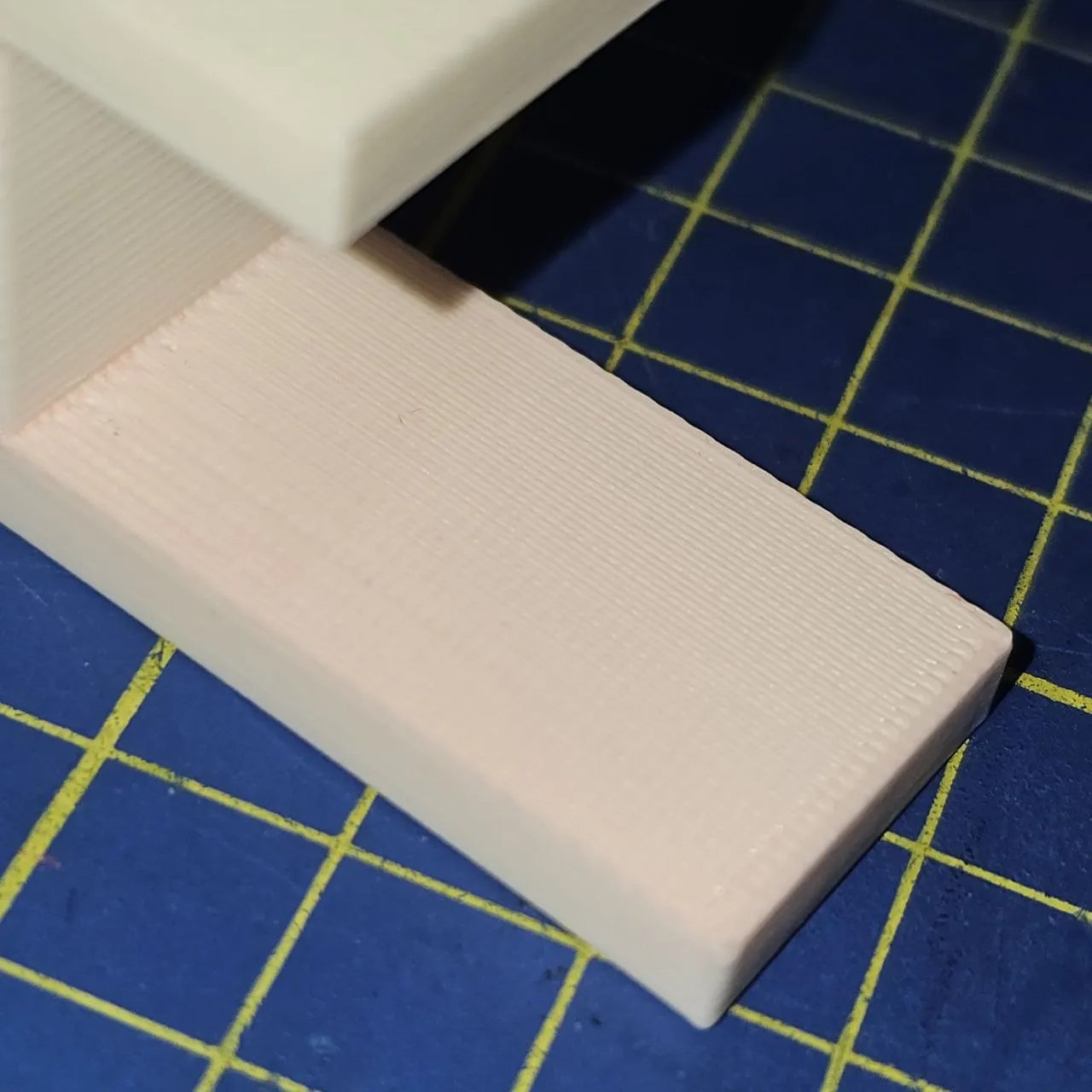
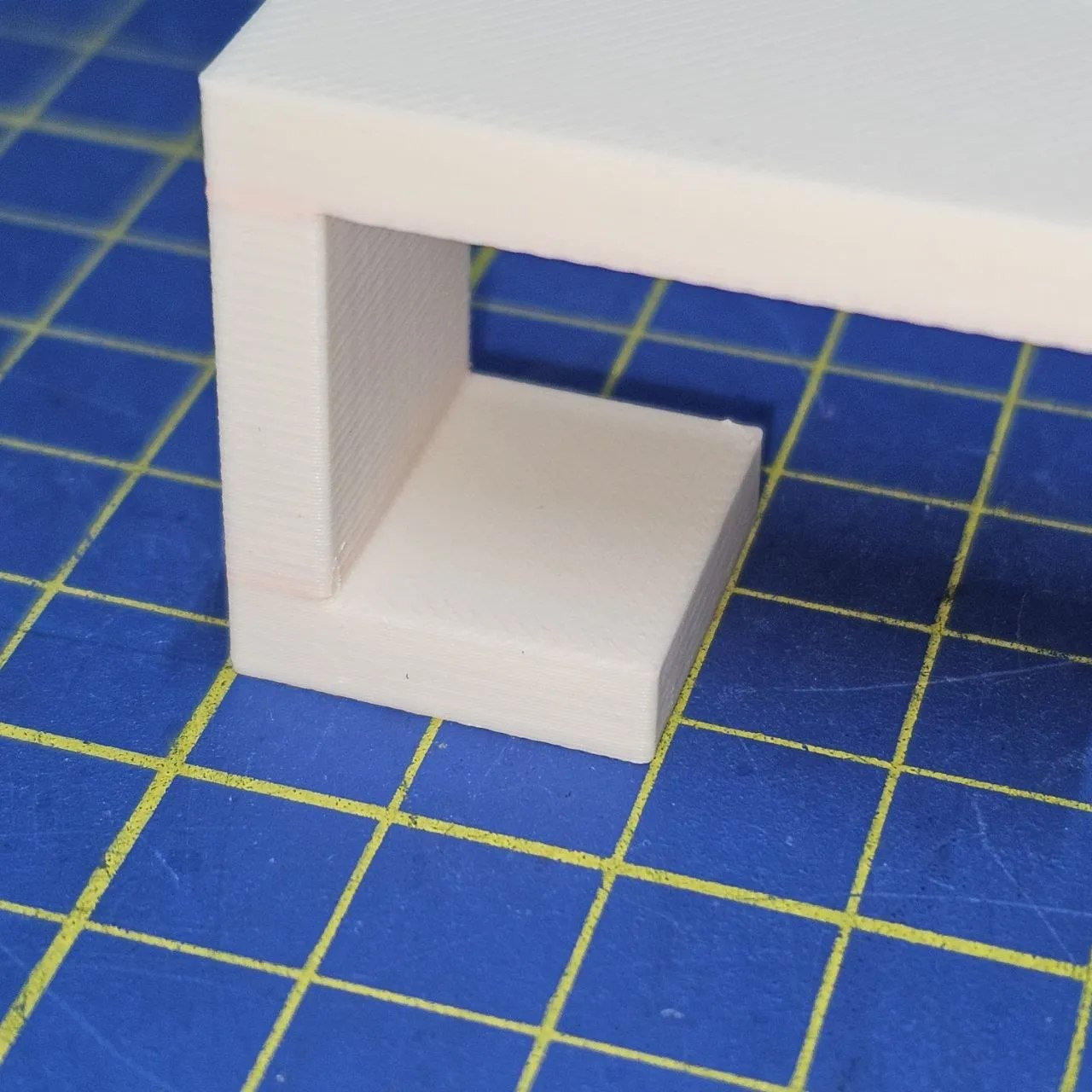
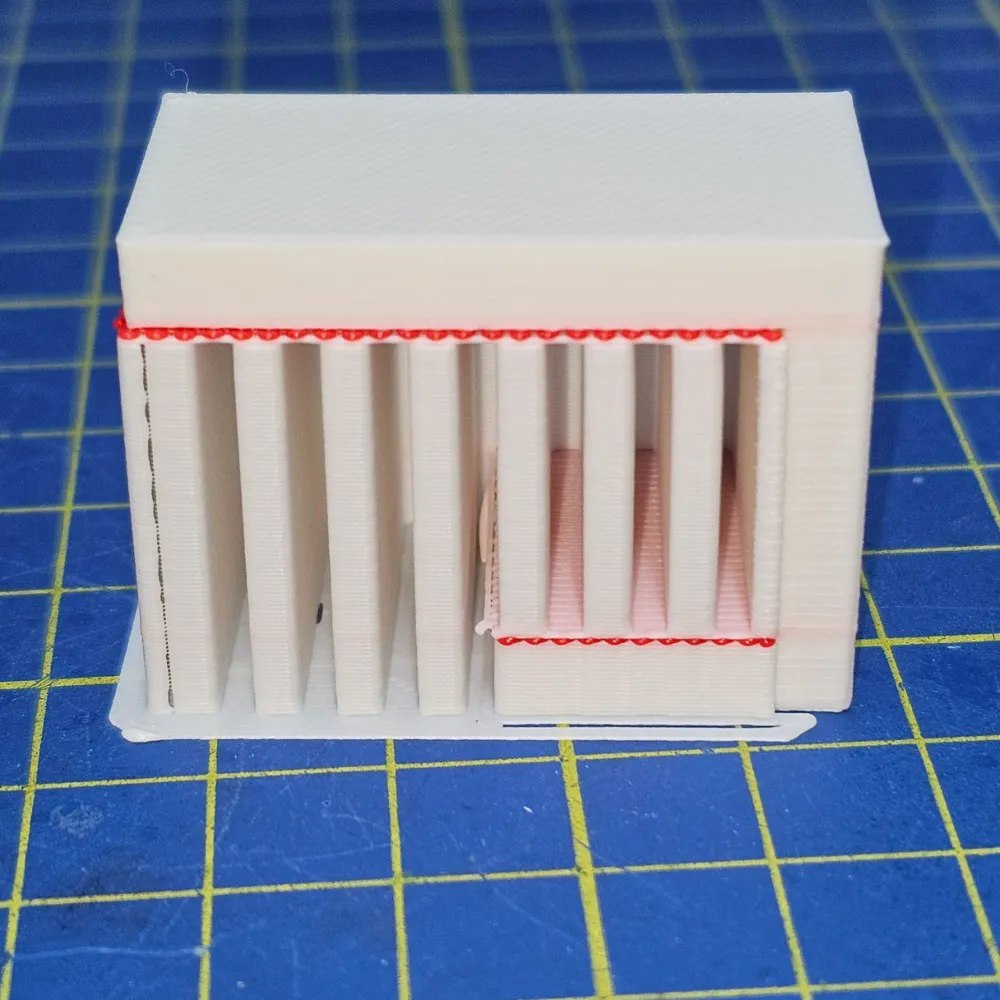
This 3D model helps you dial in your support interface settings. It allows you to test and refine how easily supports break away, leaving a smooth, clean finish on your final print.
The model can be used to tune the settings while using the Bambu Lab Support for PLA or Support for PA/PET materials.
Here’s a neat trick: you can actually use PETG as support interface material for PLA prints!
While PLA and PETG share similar printing temperatures, their bond between layers is weak. This weakness becomes an advantage for supports; it allows easy removal without damaging the final PLA print, leaving a clean and smooth surface.
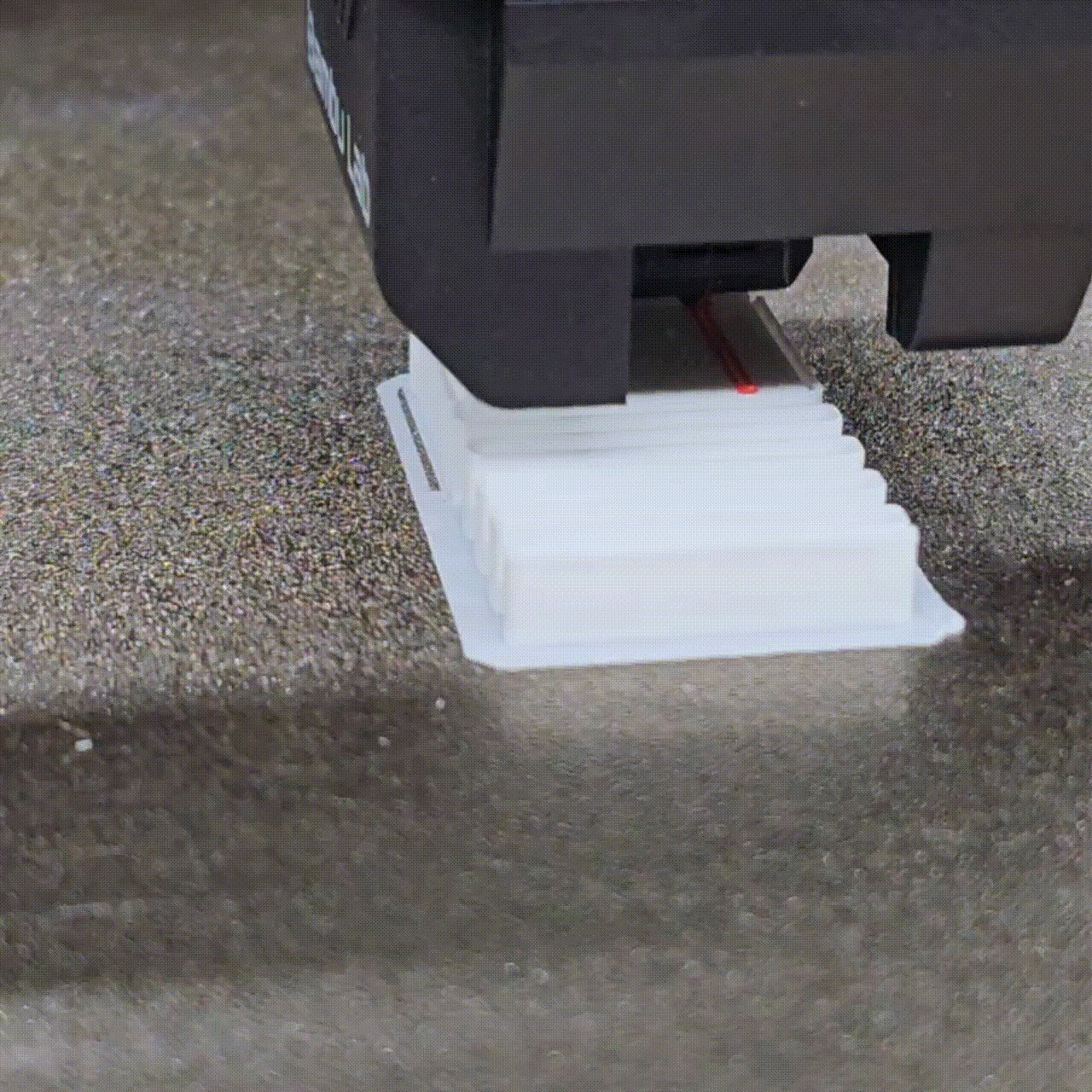
Note: I’m conducting multiple tests to use PLA as an interface material for PETG objects. I need to address some adhesion issues.
Recommended settings
According to my test here are the best settings when using the PLA as the main material and PETG as the support interface:
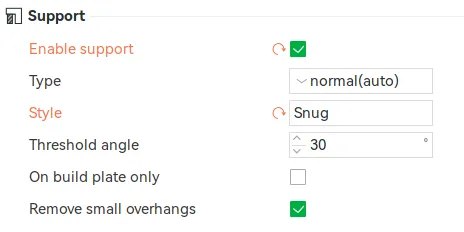
Support
- Type: normal (auto)
- Style: Snug, this allows for a clean final contact surface
Filament
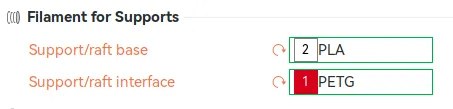
- Support/raft base: PLA, for fewer filament changes, simply use the same filament for both the object and the supports
- Support/raft interface: PETG, this is the most important parameter; it allows you to choose the material of the layers of the interface between the object and the supports
Advanced
- Support wall loops: 0, no walls around the supports
-
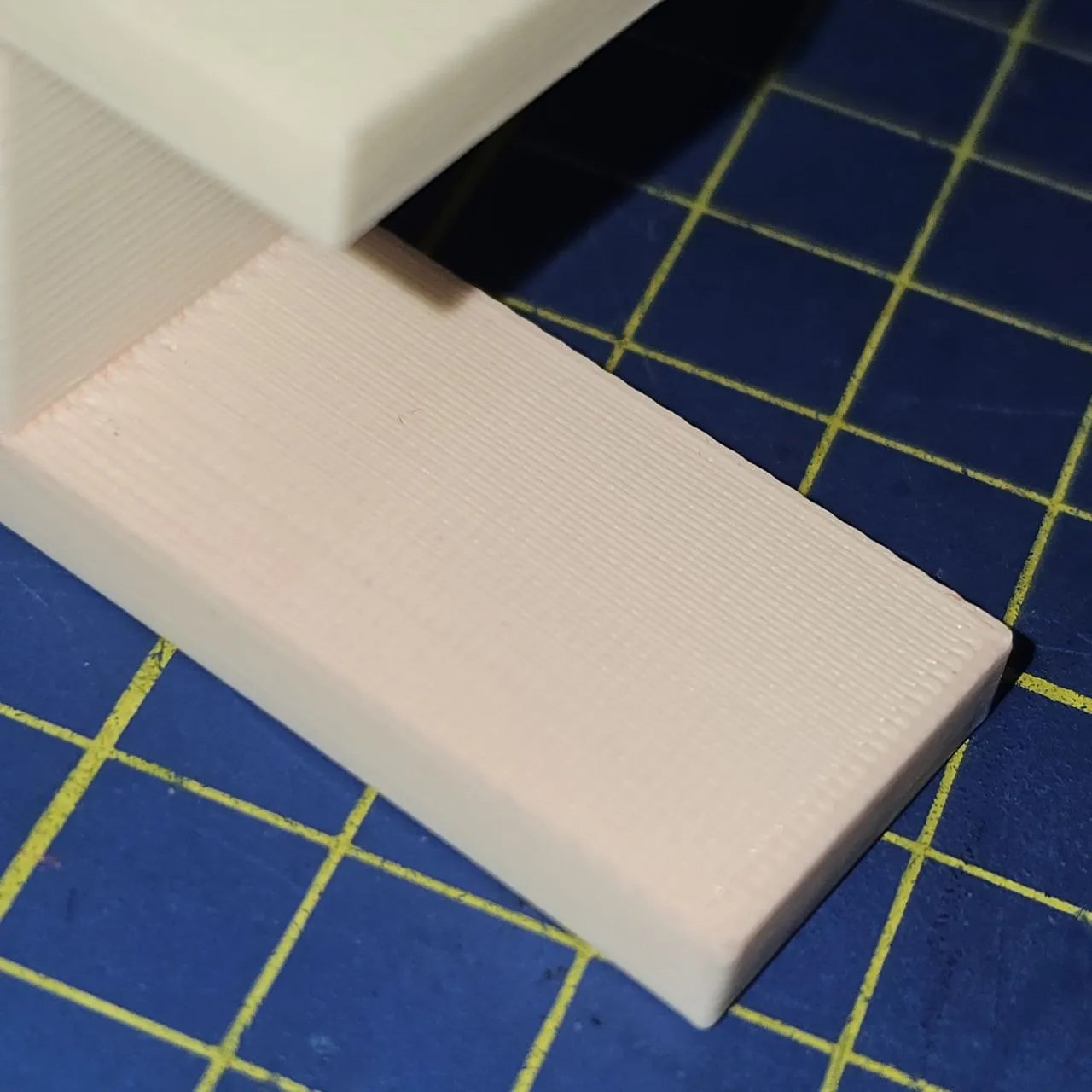
Top Z distance: 0.1 mm, don’t overlook this setting! Setting it to 0 will make the nozzle smear the contact layer onto the interface, leading to a rough surface and difficult interface material removal. Instead, use a value like 0.1mm for a smooth contact surface and easy material removal.
-
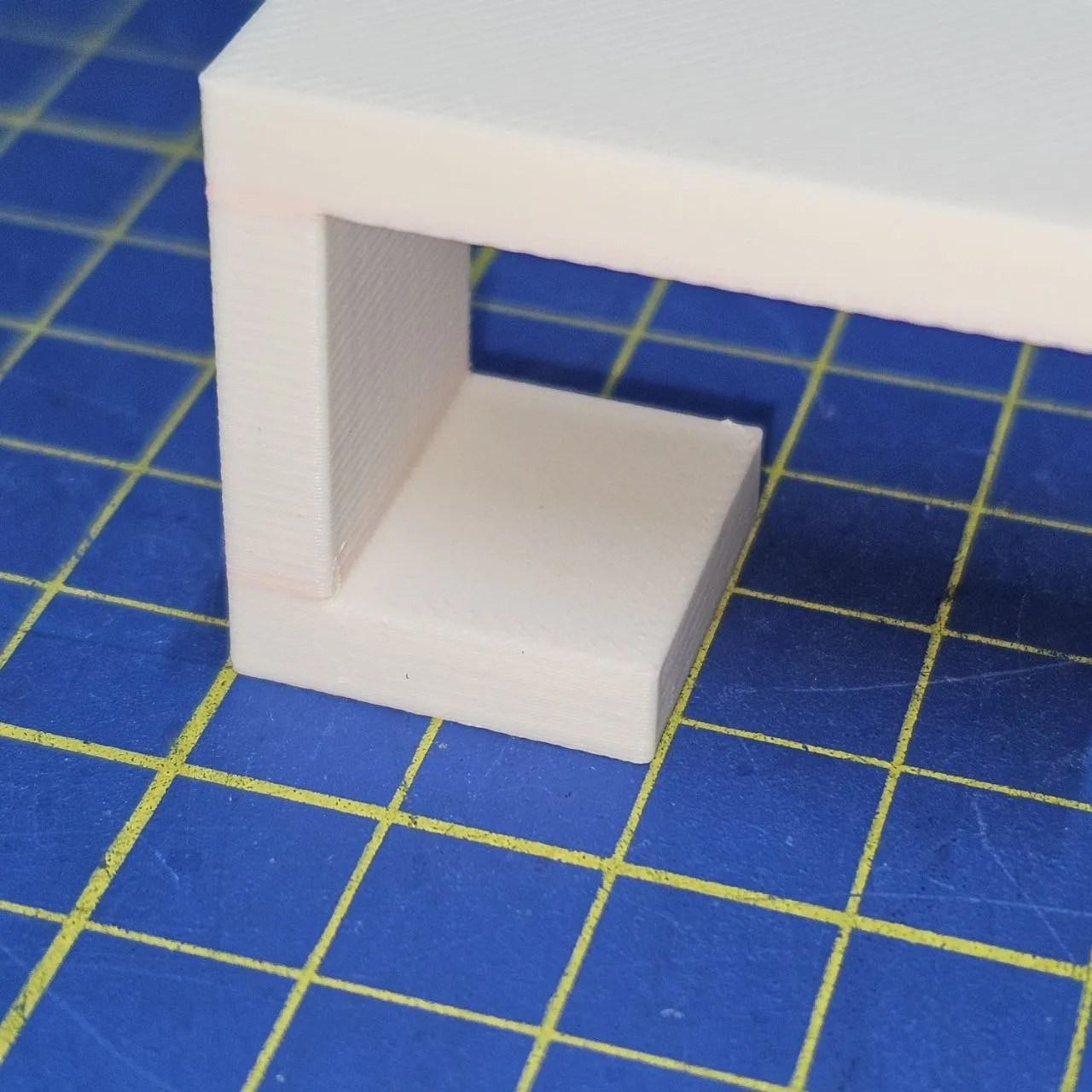
Bottom Z distance: 0 mm, unlike the top, you can set this to 0.
- Base pattern: Rectilinear, this allows for easy removal of the support
- Base pattern spacing: 2 mm, this allows for easy removal of the support
- Pattern angle: 0°, this is not important, you can use the value you prefer
- Top interface layers: 2, this setting offers a sweet spot between easy removal and minimizing filament changes. A value of 1 creates an interface layer that’s too thin and difficult to remove. Conversely, values of 3 or higher make removal easier but require more filament swaps
- Bottom interface layers: 2, the same as the Top interface layers
-
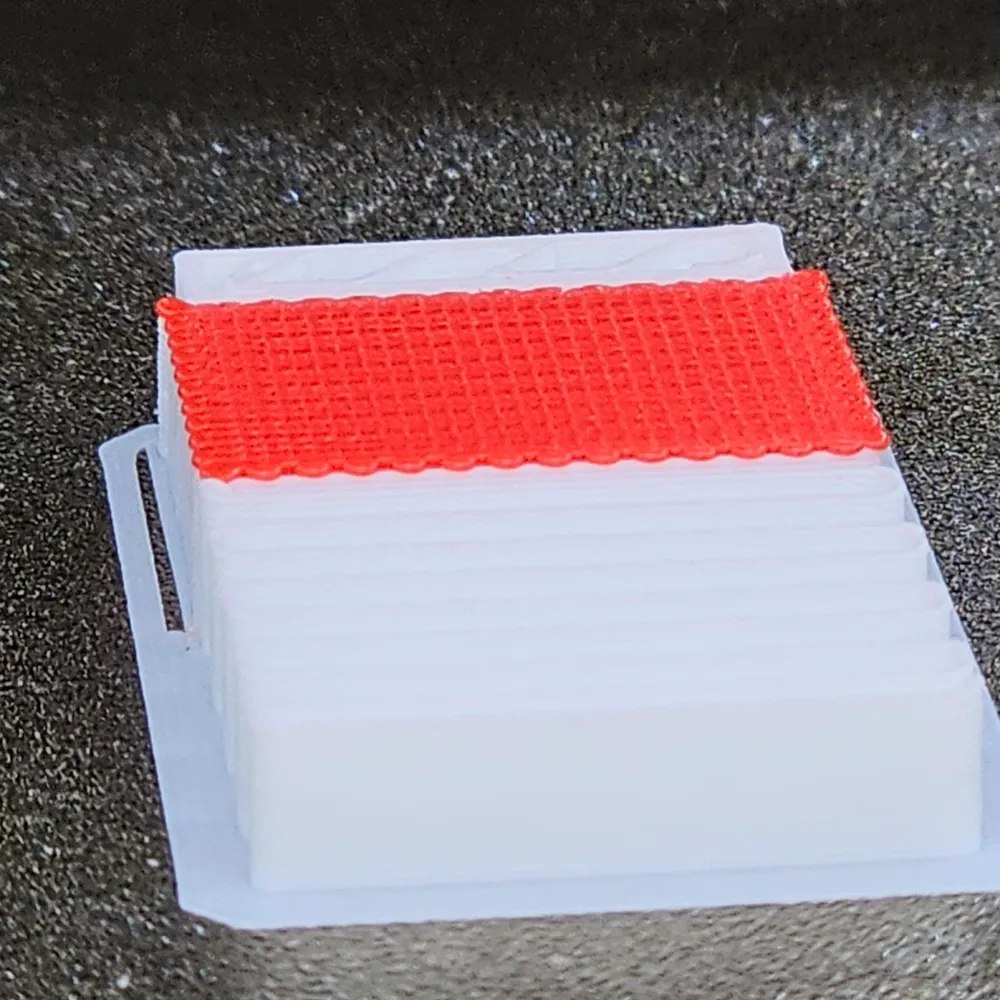
Interface pattern: Grid, the grid pattern shines for easy removal! It breaks away cleanly, leaving a smooth surface on your printed object
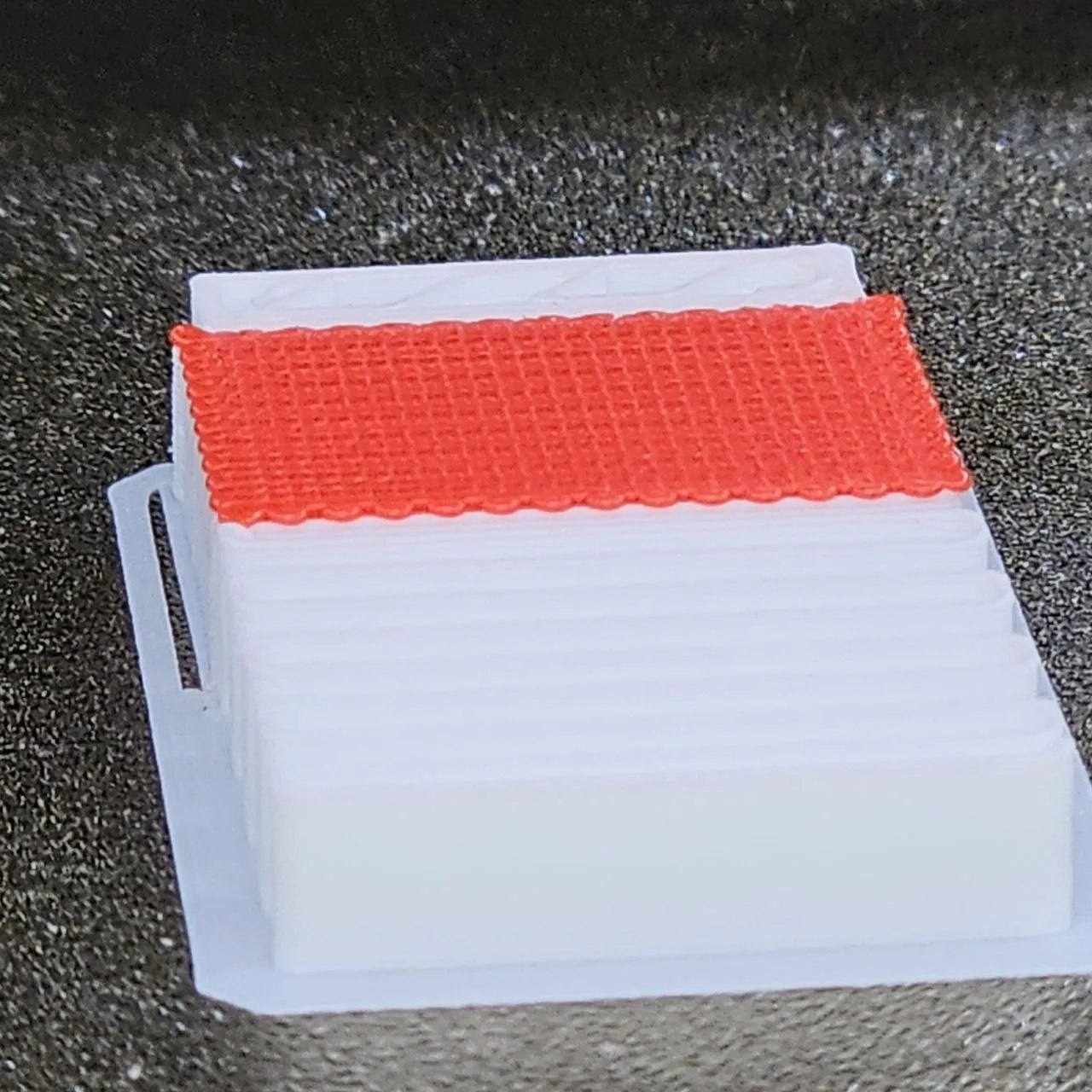
- Top interface spacing: 0 mm, this creates a dense grid leaving a smooth surface on your printed object
- Normal Support expansion: 0.8 mm, a higher value here increases the distance the interface material stands off from the object, making it easier to remove
- Support/object xy distance: 0.3 mm, this value allows for a clear gap between the object and the support material
- Support/object first layer gap: 0.3 mm, you can lower this value to 0.1 mm and use the first layer of the supports as a brim if you have first-layer adhesion issues
Flushing volume calibration
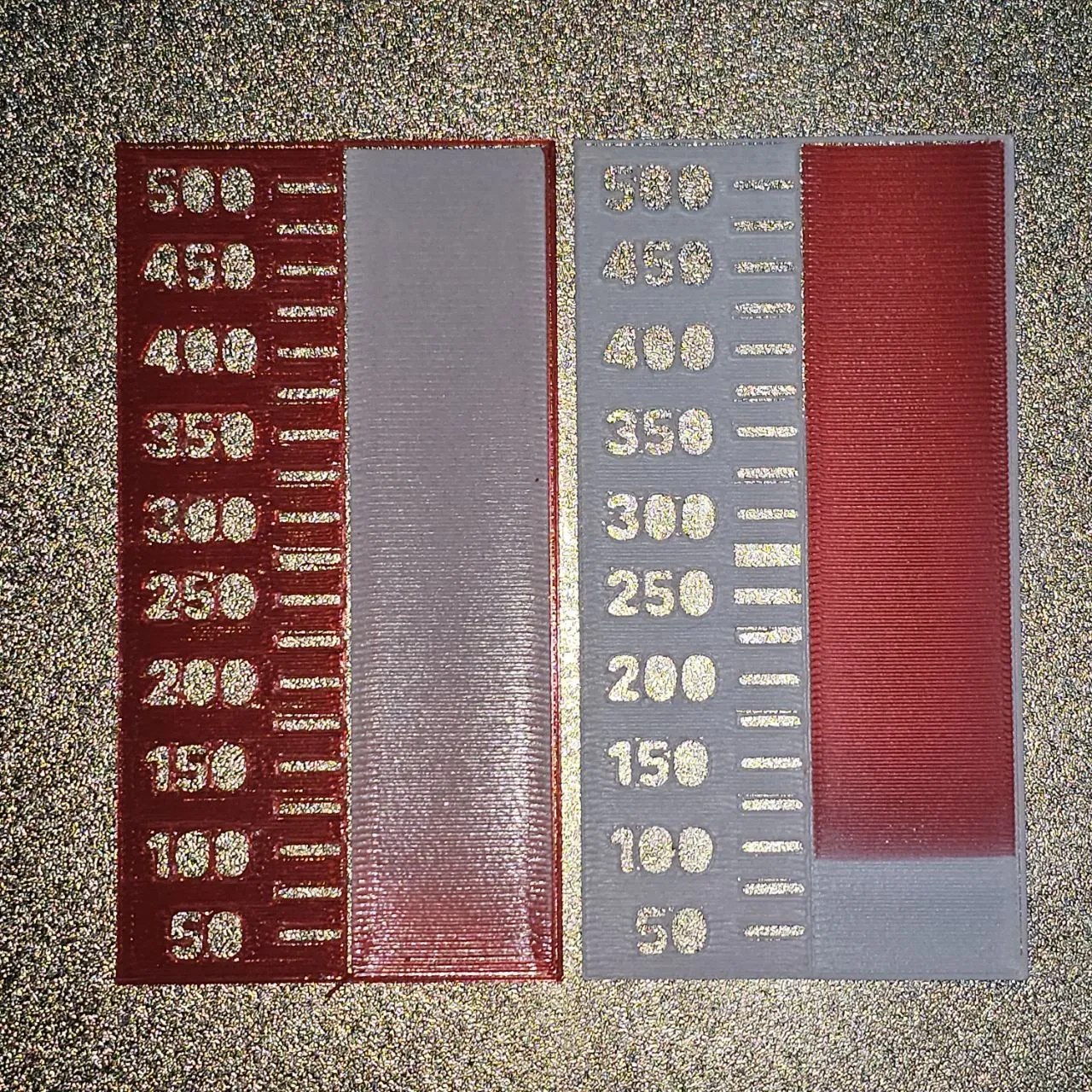
It is important to adjust the Flushing Volumes to enable a smooth filament switch while minimizing waste and printing time.
I used the project AMS Purge Calibration V2by Ciuf_Ciuf to estimate the following values:
- PLA → PETG: 150
- PETG → PLA: 325
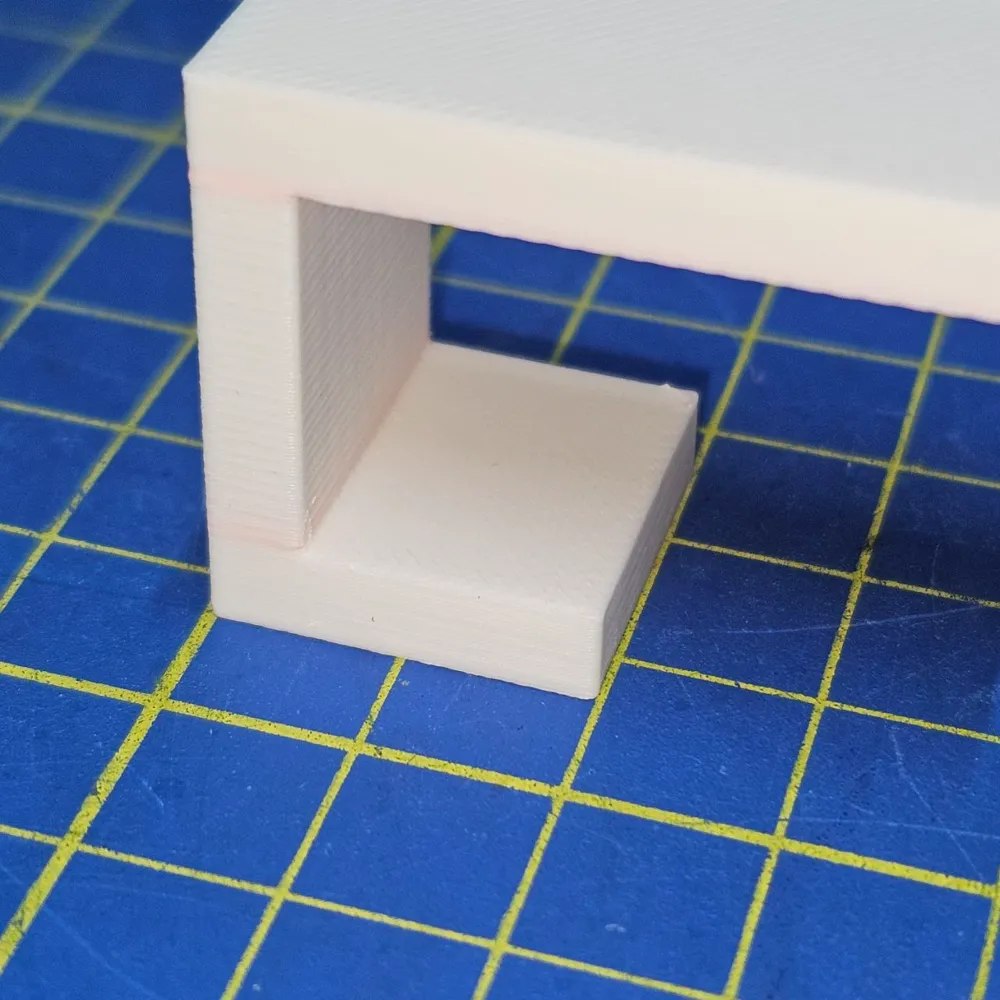
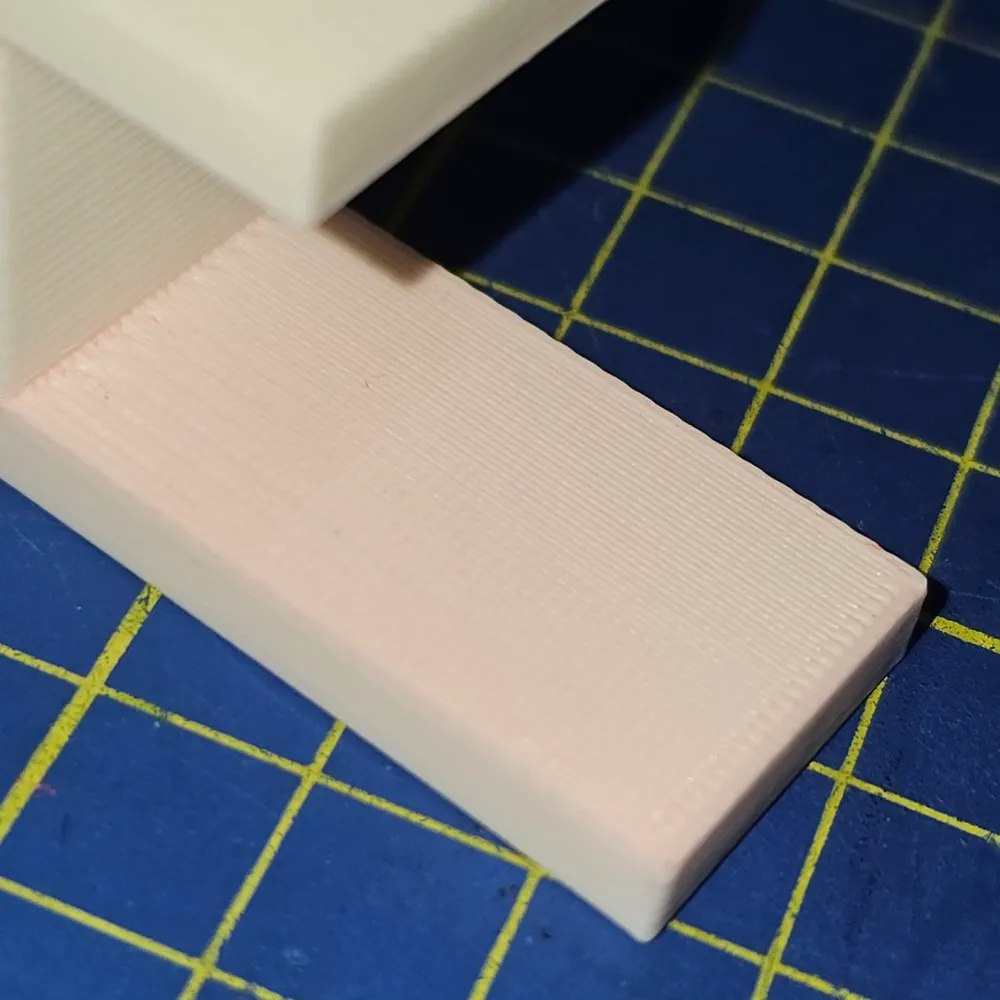
Print profiles
The following profiles are authored by Myzhar and currently available on MakerWorld. They are synchronized from its public design API; select a profile to open it on MakerWorld.
| Profile | Materials | Weight | Print time |
|---|---|---|---|
| PLA object with PETG support interface | PLA 12 g, PETG 2 g | 14 g | 35 min |
Download
The model is free to download and print, licensed under the MakerWorld Exclusive License.