Overview
🧩 If you’ve placed your AMS-HT on top of your 3D printer, you’ve probably noticed the PTFE tube bending a bit too much, making it harder for the filament to move smoothly and sometimes causing those annoying “motor effort” warnings.
Mounting the AMS-HT directly on top of the printer is the obvious placement; it keeps the footprint small and the feed path short, but it also forces the PTFE tube into a tight bend right where it exits the unit on its way down to the toolhead. Filament, especially anything stiffer like PETG or ABS, does not like being forced through a sharp bend: the extra friction shows up as inconsistent extrusion, and on Bambu Lab printers it is often exactly what triggers those “motor effort too high” warnings during a print, sometimes even pausing it altogether.
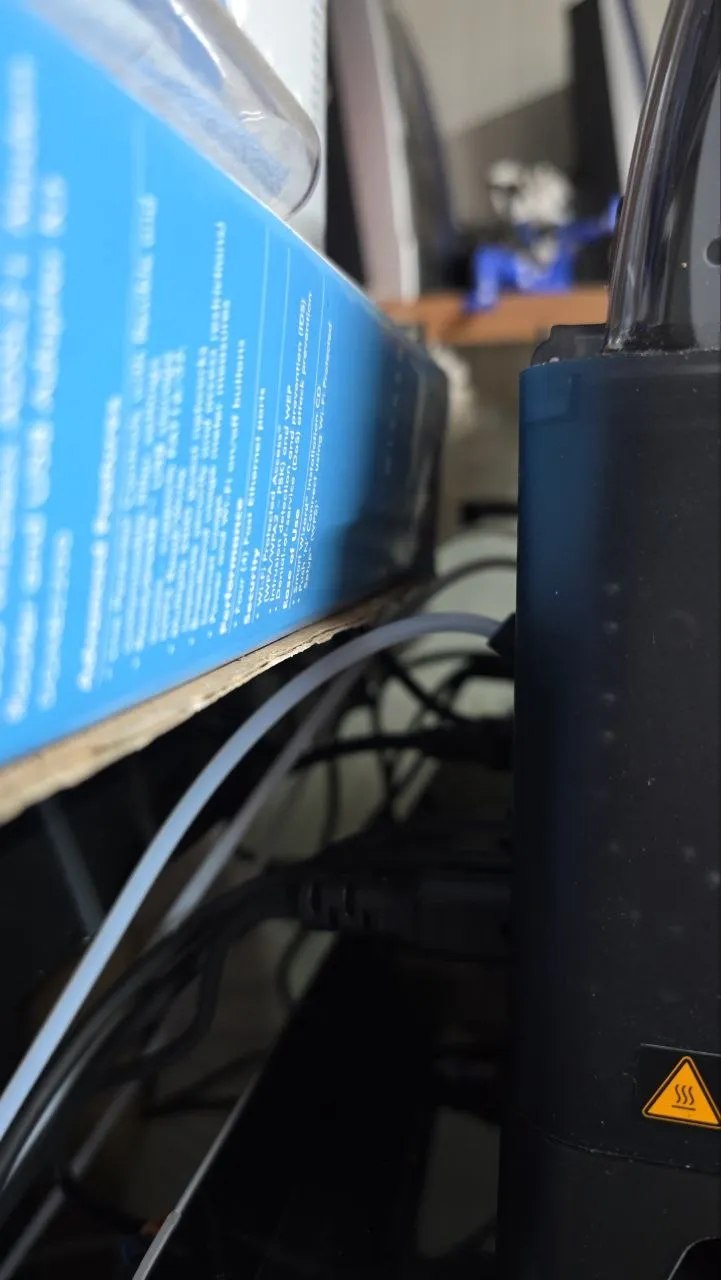
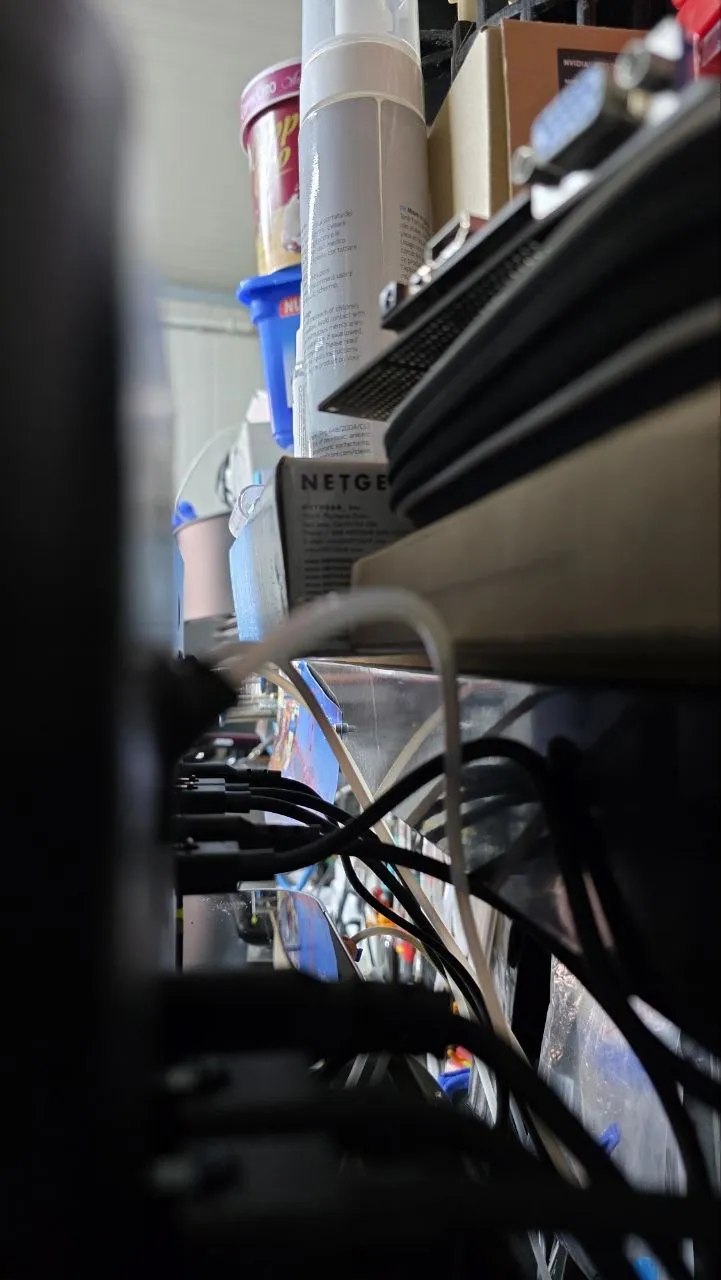
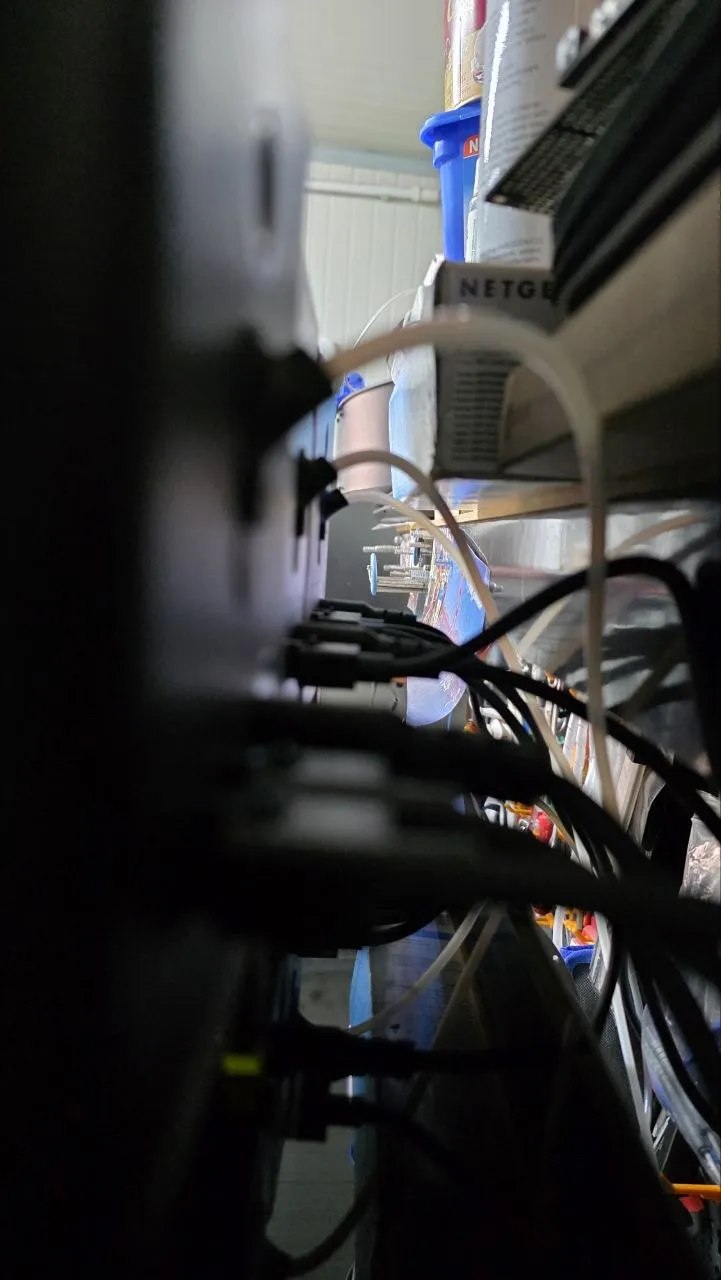
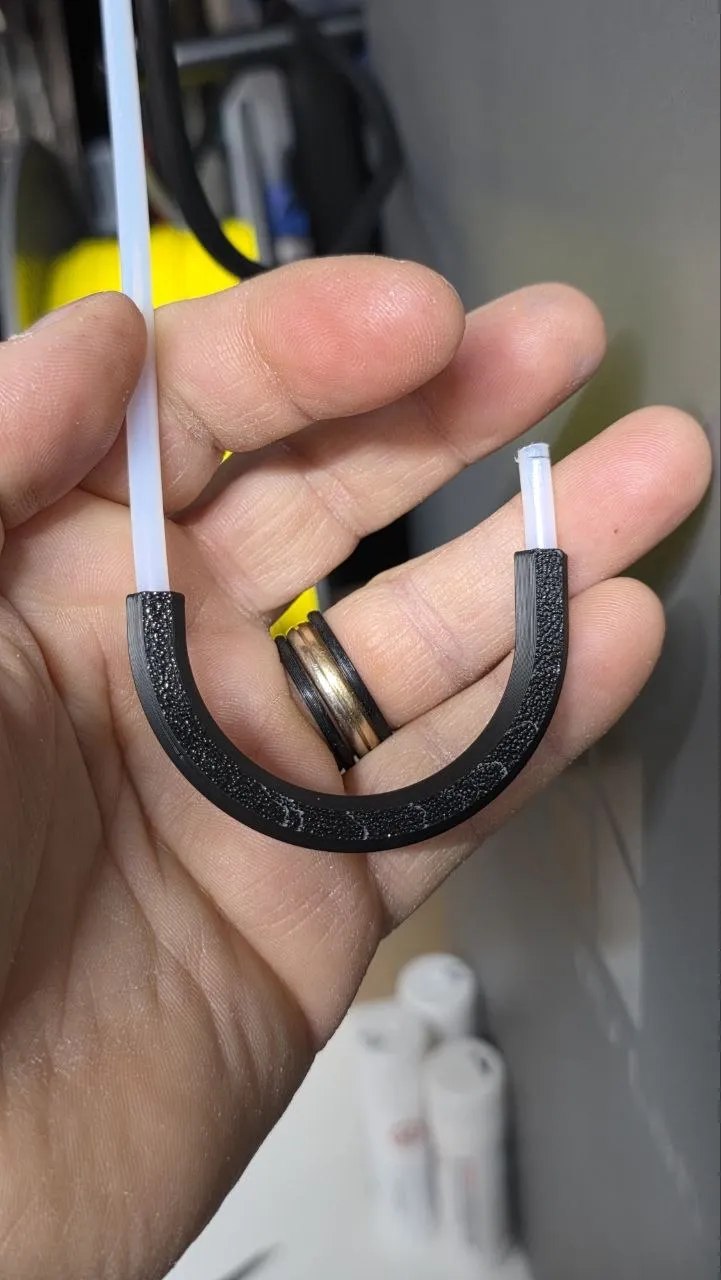
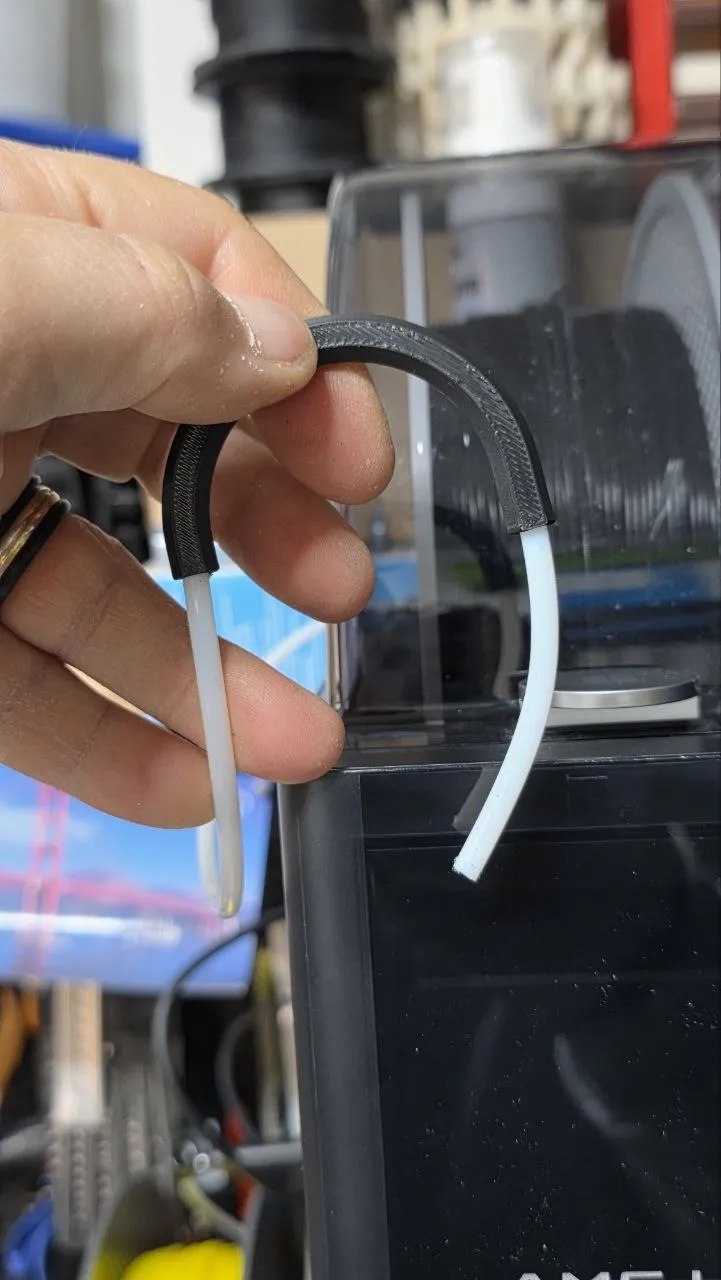
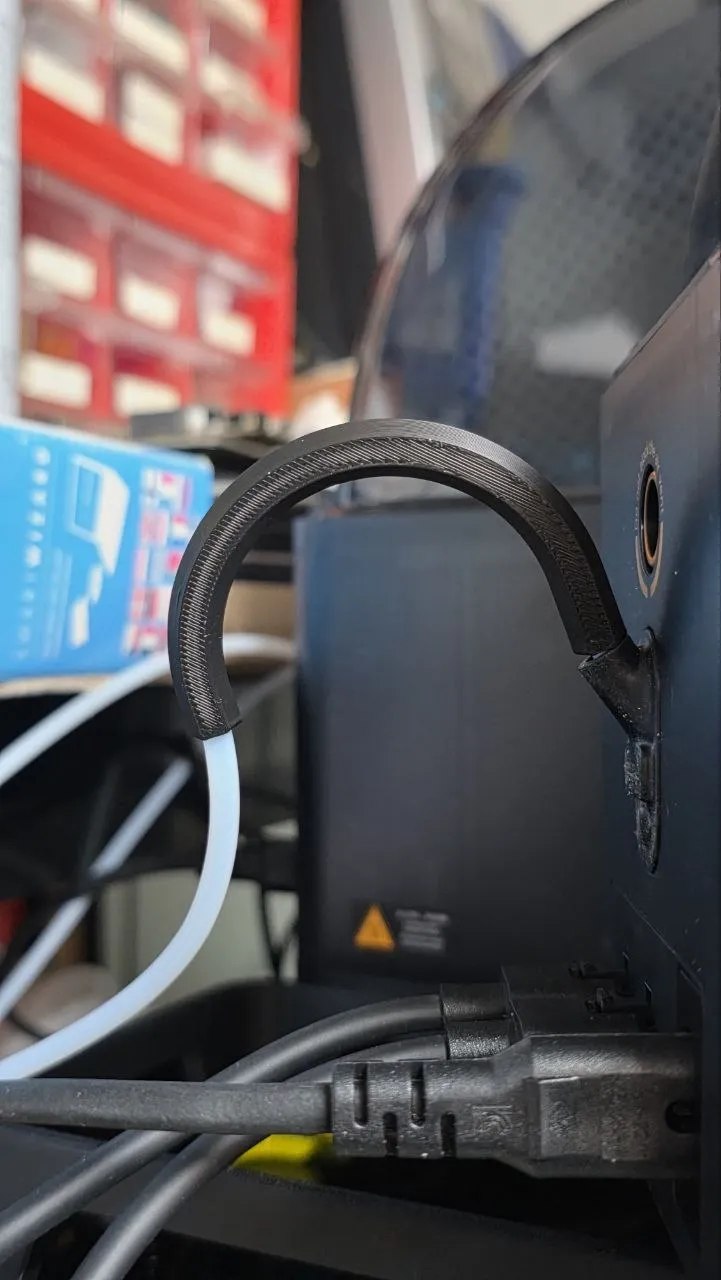
🌈 This little helper fits right after the rear exit of your AMS-HT and gives the tube a nice, gentle curve. The result? Easier filament flow, less friction, and smoother printing without extra stress on the motor.
The idea is the same one used in cable management: a bend radius that is too tight creates stress and friction no matter what is running through it, whether that is a wire or a length of PTFE tubing. By guiding the tube through a wider, gentler curve right where it leaves the AMS-HT, the unbender keeps the tube from kinking, and the extruder motor no longer has to fight the tube’s own resistance on top of the filament’s.
Assembly
1️⃣ Remove the PTFE tube from the AMS-HT. 2️⃣ Insert the tube through the unbender, making sure the longer end faces the AMS-HT side. 3️⃣ Reinsert the PTFE tube into the AMS-HT, done!
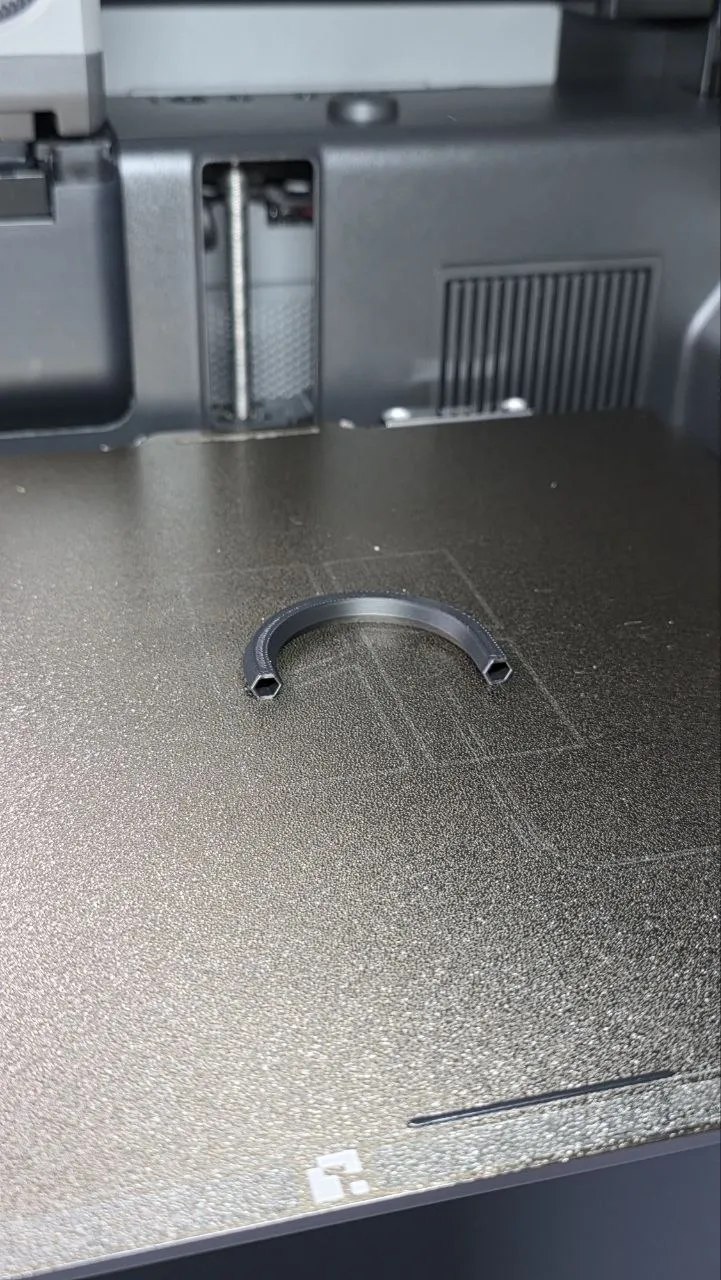
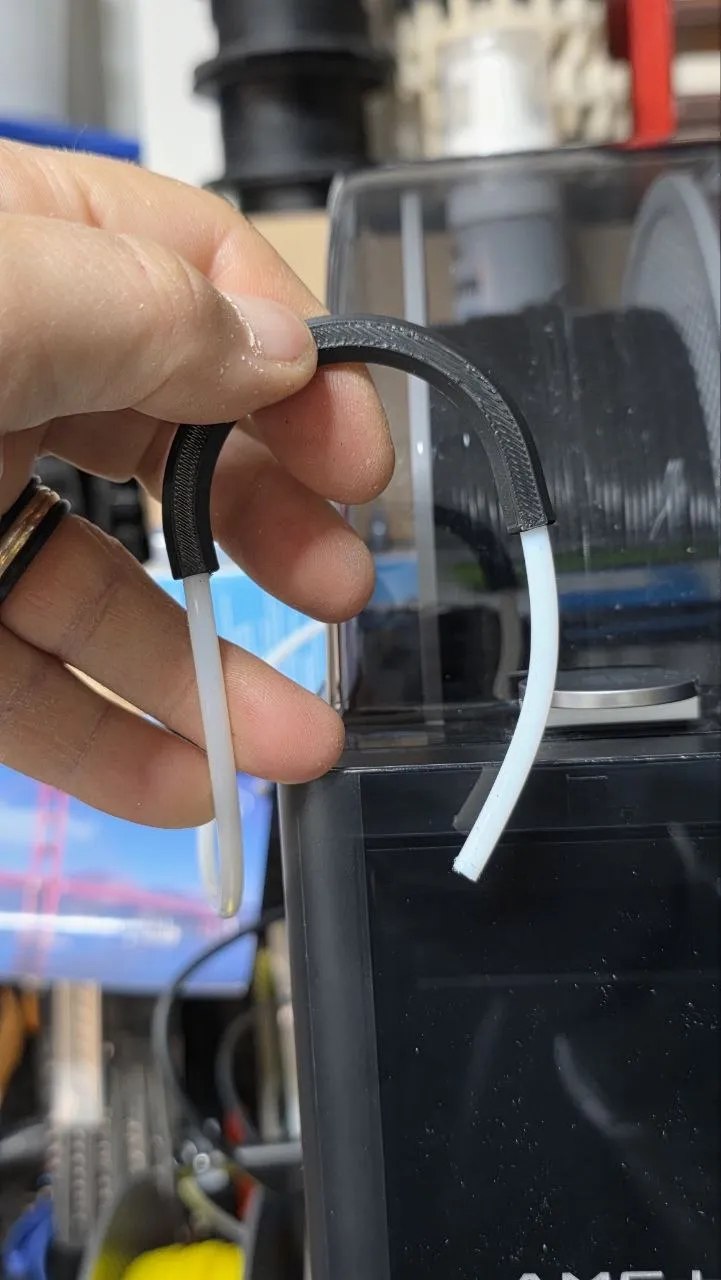
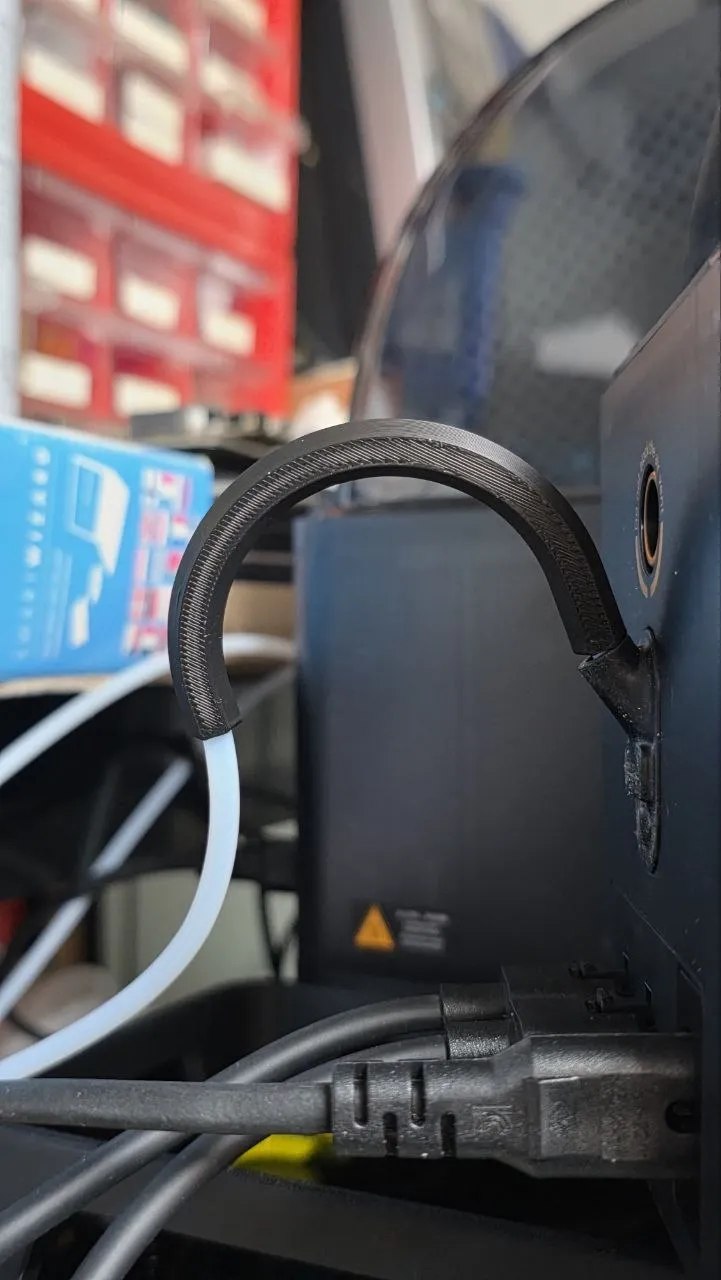
🎉 Now your AMS-HT setup looks cleaner and works more reliably, keeping your prints running smoothly!
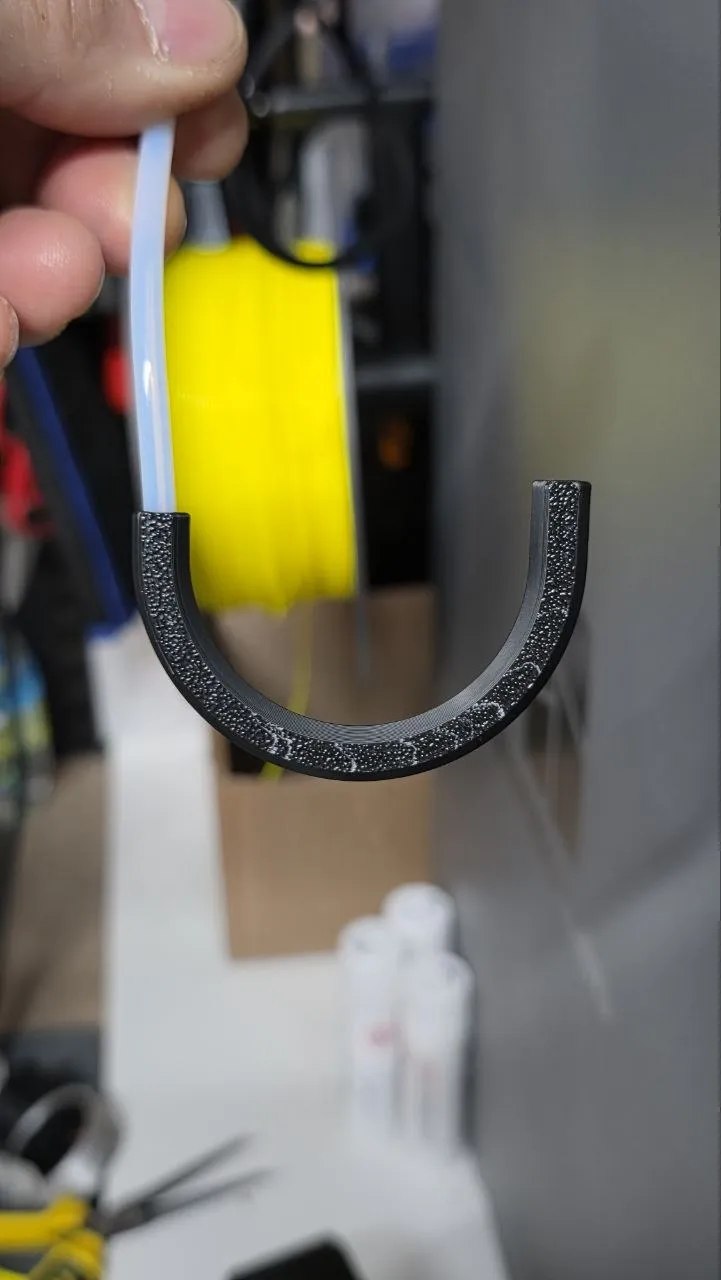
A tiny curved channel, and one less warning interrupting a long print.
It is a small, unglamorous part, just a curved channel for a tube, but it is a good example of how a lot of the friction in multi-material printing setups is mechanical, not electronic. Whenever a print throws a motor-effort warning after adding an AMS-HT, it is worth checking whether the tube routing itself is fighting the system before reaching for finer flow tuning or extruder recalibration.
Print profiles
The following profiles are authored by Myzhar and currently available on MakerWorld. They are synchronized from its public design API; select a profile to open it on MakerWorld.
| Profile | Materials | Weight | Print time |
|---|---|---|---|
| 180 degree - 0.2mm layer, 2 walls, 100% infill | PLA 2 g | 2 g | 12 min |
| 135 degree - 0.2mm layer, 2 walls, 100% infill | PLA 2 g | 2 g | 12 min |
Download
The model is free to download and print, licensed under the MakerWorld Exclusive License.