I’m particularly active in this period, and I’m glad to announce the release of a new ROS 2 tutorial on Configuring Nodes! This is one of those foundational topics that might not sound as flashy as SLAM or AI, but I can tell you from years of experience building robots that mastering node configuration is absolutely essential for creating robust, adaptable, and maintainable robotic applications.
I remember countless times in the early days of MyzharBot when I would hardcode values directly into my C++ or Python nodes. Every time I wanted to change a PID gain, a sensor threshold, or even just a topic name, I had to recompile or restart everything. It was a huge time sink and a source of constant frustration. That’s why I quickly learned to appreciate the power of ROS 2 parameters.
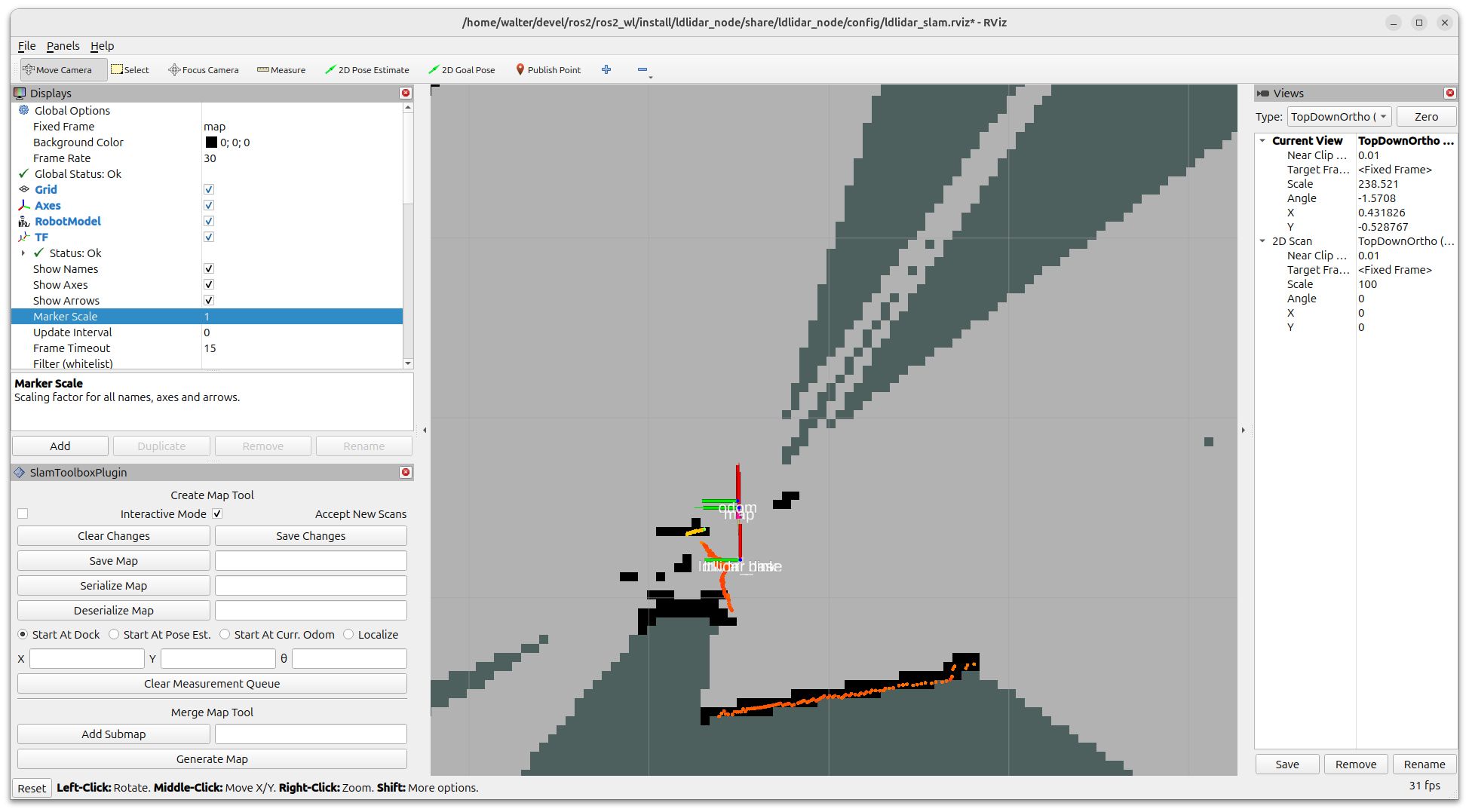
This tutorial covers the essentials of using parameters to configure your ROS 2 nodes effectively. I’ll walk you through how to declare parameters in your code, how to give them default values, and then, crucially, how to override those values without touching your source code. You’ll learn how to list, get, and set parameters both from the command line, which is great for quick debugging and testing, and using the rqt GUI, which provides a fantastic visual interface for dynamic reconfiguration. I personally love rqt for tuning parameters on the fly while MyzharBot is running, letting me see the immediate impact of my changes.
A significant section of the tutorial is dedicated to using YAML files for parameter management. This is where things get really powerful for complex configurations. Imagine having dozens of nodes, each with multiple parameters. Trying to manage that from the command line would be a nightmare. YAML files allow me to define all my parameters in a structured, human-readable format that I can easily version control, share, and load with a single command. This is indispensable for deploying robots in different environments or with varying hardware setups.
I’ve poured a lot of my practical experience into this guide, aiming to make it as clear and actionable as possible. My goal is to equip you with the knowledge to build ROS 2 systems that are not only functional but also flexible and easy to manage.
So, dive into the tutorial, experiment a bit with configuring your own nodes, and see how much easier it makes your robotics development.
As always, I’m eager to hear your thoughts and see what you build!
Happy robotics programming! 🤖