I’m pleased to announce that I have restored the tutorial titled “Thermal Images on Jetson™ Nano with FLIR Lepton3”. This particular tutorial holds a special place for me, as it addresses a niche but incredibly powerful combination of hardware and software that I’ve personally found fascinating and useful in many projects. I remember the initial excitement of getting thermal data on an embedded platform, and the subsequent challenges of making it work reliably.
This tutorial provides a truly comprehensive guide on how to interface the FLIR® Lepton3 thermal camera with NVIDIA® Jetson™ embedded devices. When I say comprehensive, I mean I cover everything from the nitty-gritty details of hardware connections, understanding the SPI interface, power requirements, and the nuances of getting the Lepton module to talk to the Jetson Nano’s GPIO pins, to the full software setup and image processing. I delve into the necessary drivers, how to capture raw thermal data, and then process it to extract meaningful information, whether that’s temperature readings, object detection, or even basic thermal mapping. The combination of the compact, low-power FLIR Lepton3 and the AI-capable Jetson Nano opens up a world of possibilities for applications in robotics, security, industrial monitoring, and even medical diagnostics, where thermal signatures provide invaluable insights.
The tutorial was originally published on my old WordPress blog, and I’ve heard from many of you over the years how useful it was. Ensuring that valuable information remains accessible and up-to-date is a priority for me, so I’ve taken great care to port it over to this new site. This wasn’t just a copy-paste job; I took the opportunity to thoroughly update some sections of the tutorial to reflect the latest software versions, driver improvements, and best practices that have emerged since its original publication. This means you’ll find guidance compatible with current JetPack versions and modern Linux environments, ensuring a smoother experience for anyone looking to integrate this powerful thermal sensor.
Whether you’re a hobbyist looking to add a new dimension to your robot’s perception, or a professional working on embedded systems and thermal imaging solutions, this guide is designed to help you get started with the FLIR Lepton3 on the Jetson™ platform with confidence. It’s the kind of practical, hands-on knowledge that I wish I had when I first started experimenting with thermal cameras.
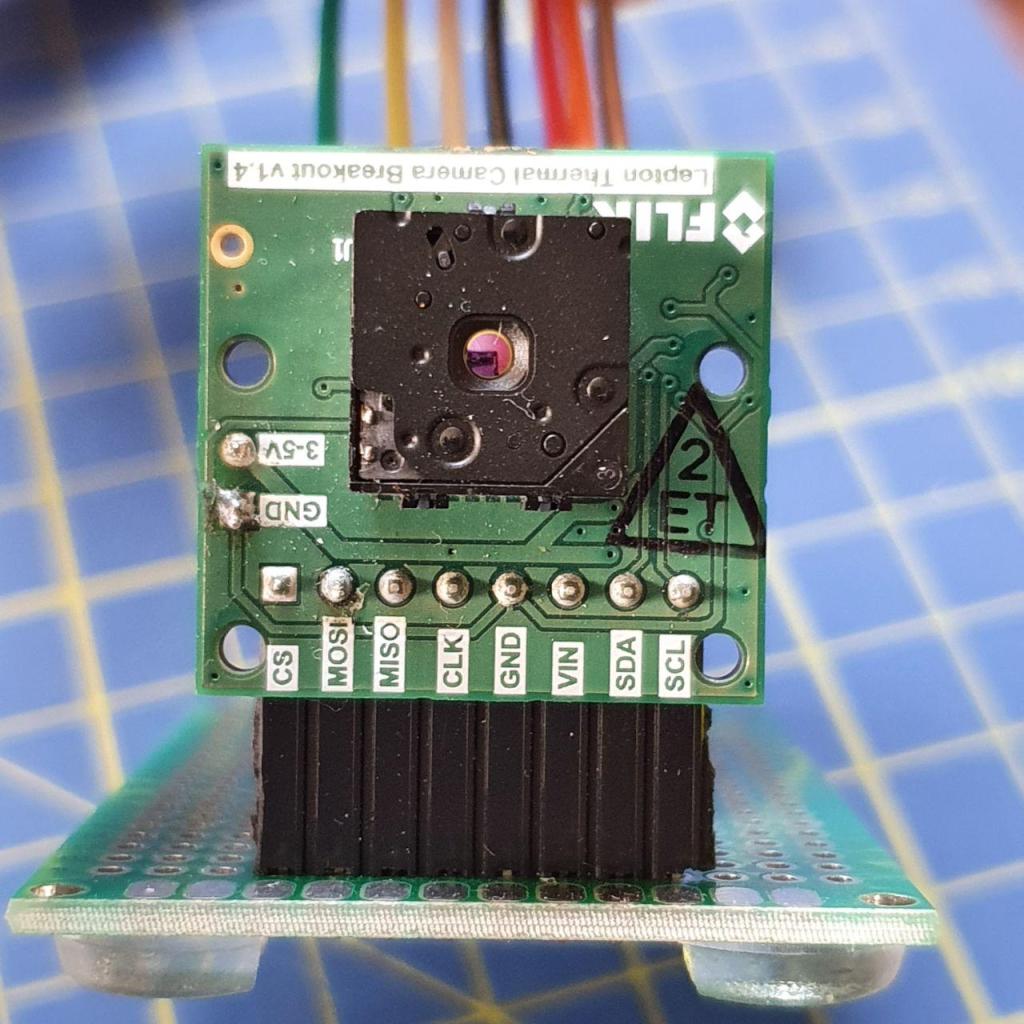
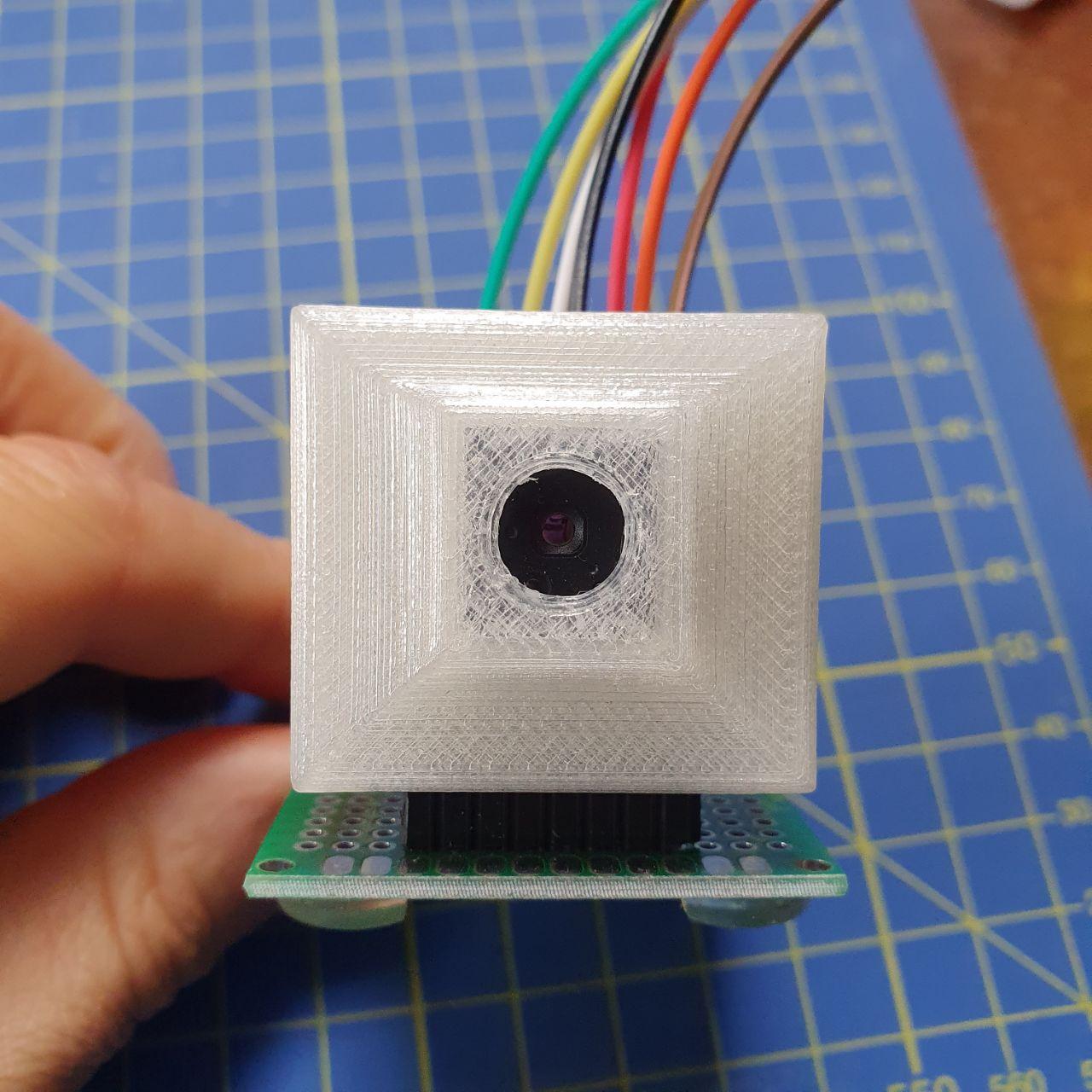
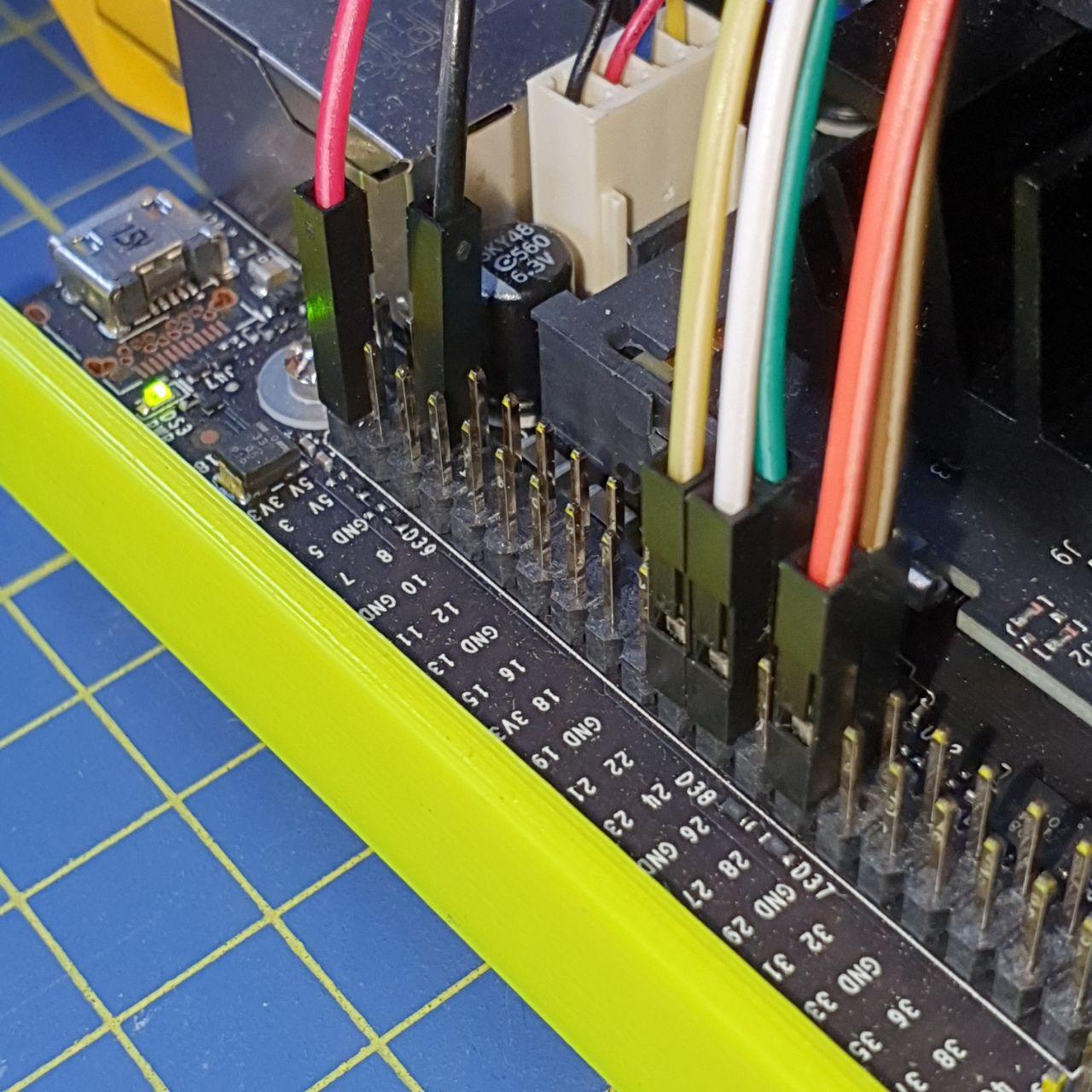
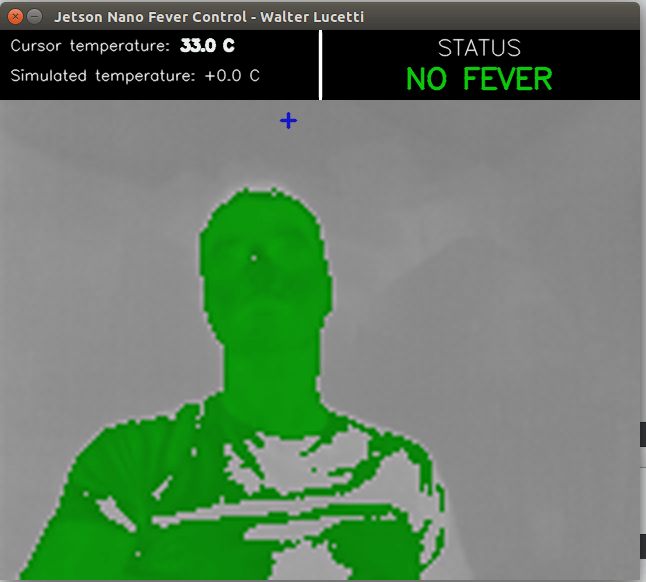
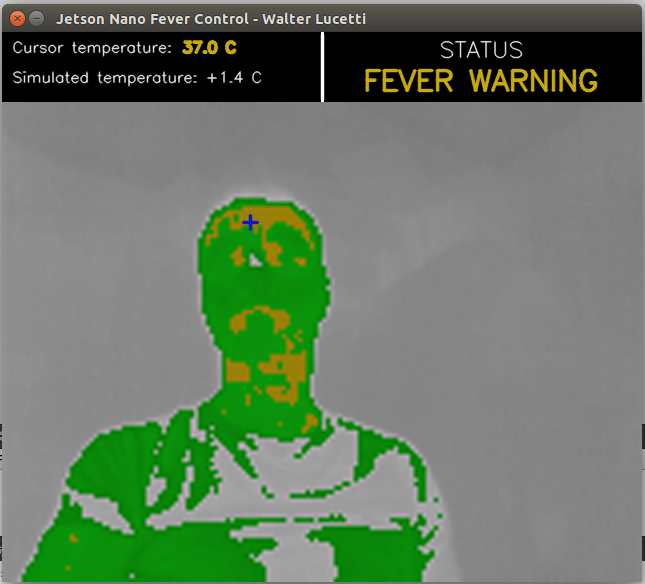
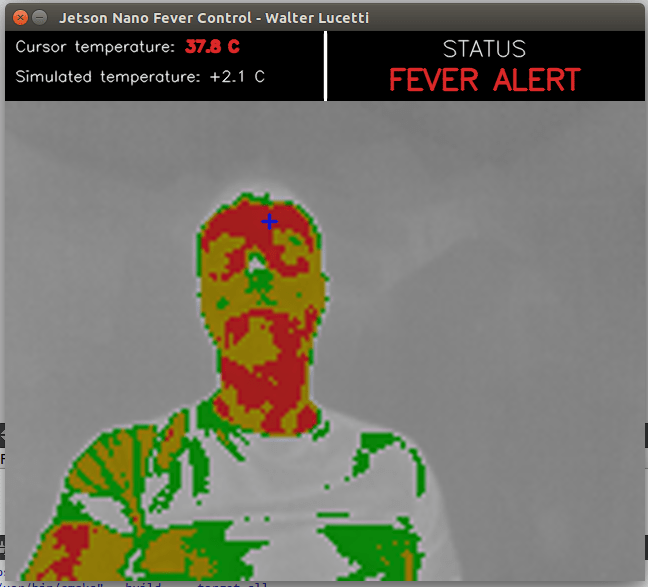
I’m always keen to hear about the amazing things you build with these tools. So, do not hesitate to follow it and share your feedback or any cool projects you’re working on.
Happy coding and thermal imaging!