I’ve always felt that tutorials are a fantastic way to learn individual concepts, but there’s a different kind of value in seeing how those concepts actually come together in a real-world, production-ready piece of software. I’ve spent a lot of my time over the last few years building various ROS 2 packages to support my own robots and experiments, and I recently realized that just having them tucked away on GitHub wasn’t enough. I wanted a place here on my site where I could explain the “why” behind the technical choices I’ve made.
That’s why I’m so excited to finally launch the ROS 2 Projects section of the website. This space is dedicated to the open-source packages I’ve developed, providing a much deeper look into their architecture, their features, and, most importantly, how you can integrate them into your own robotic stacks.
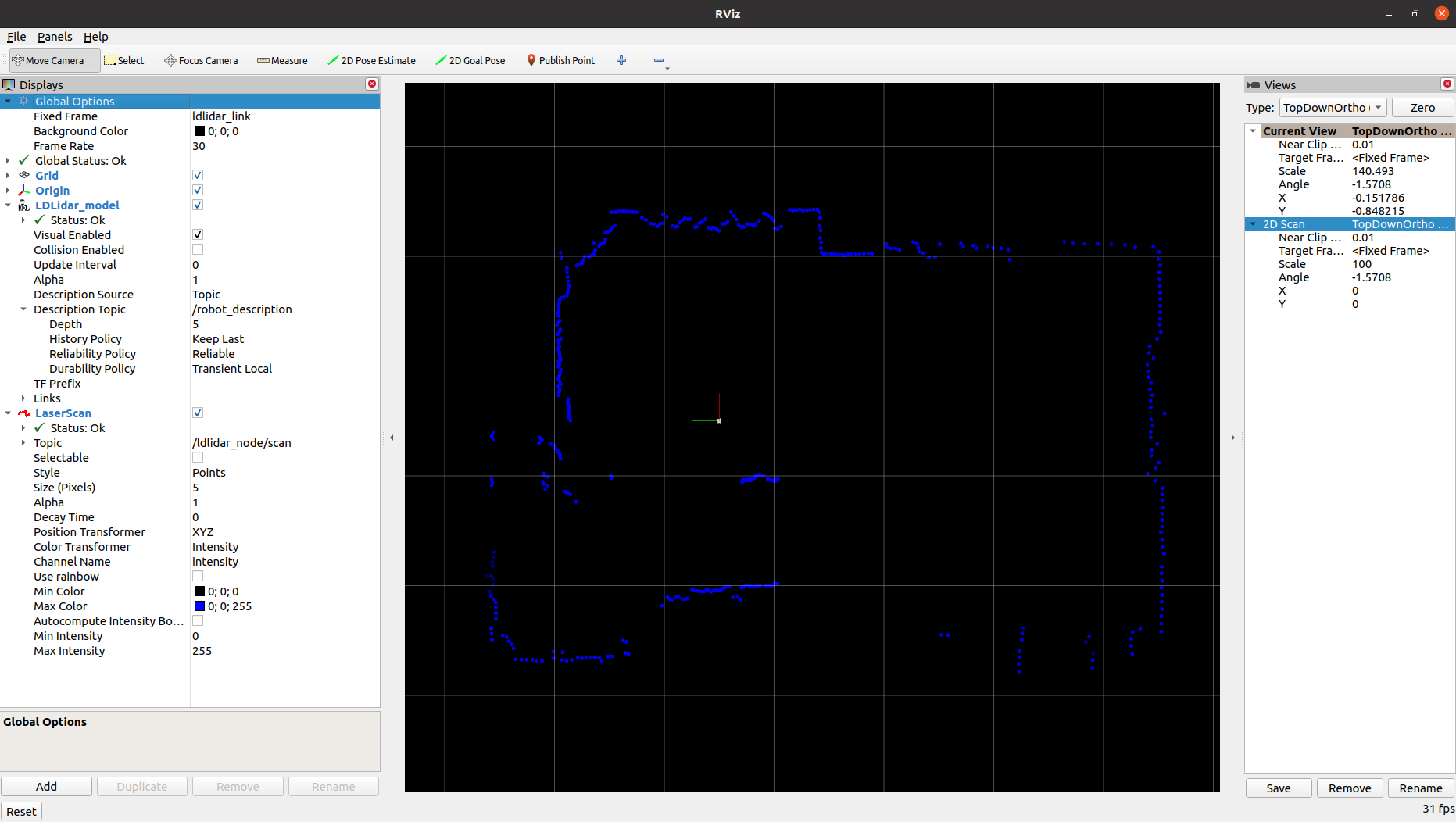
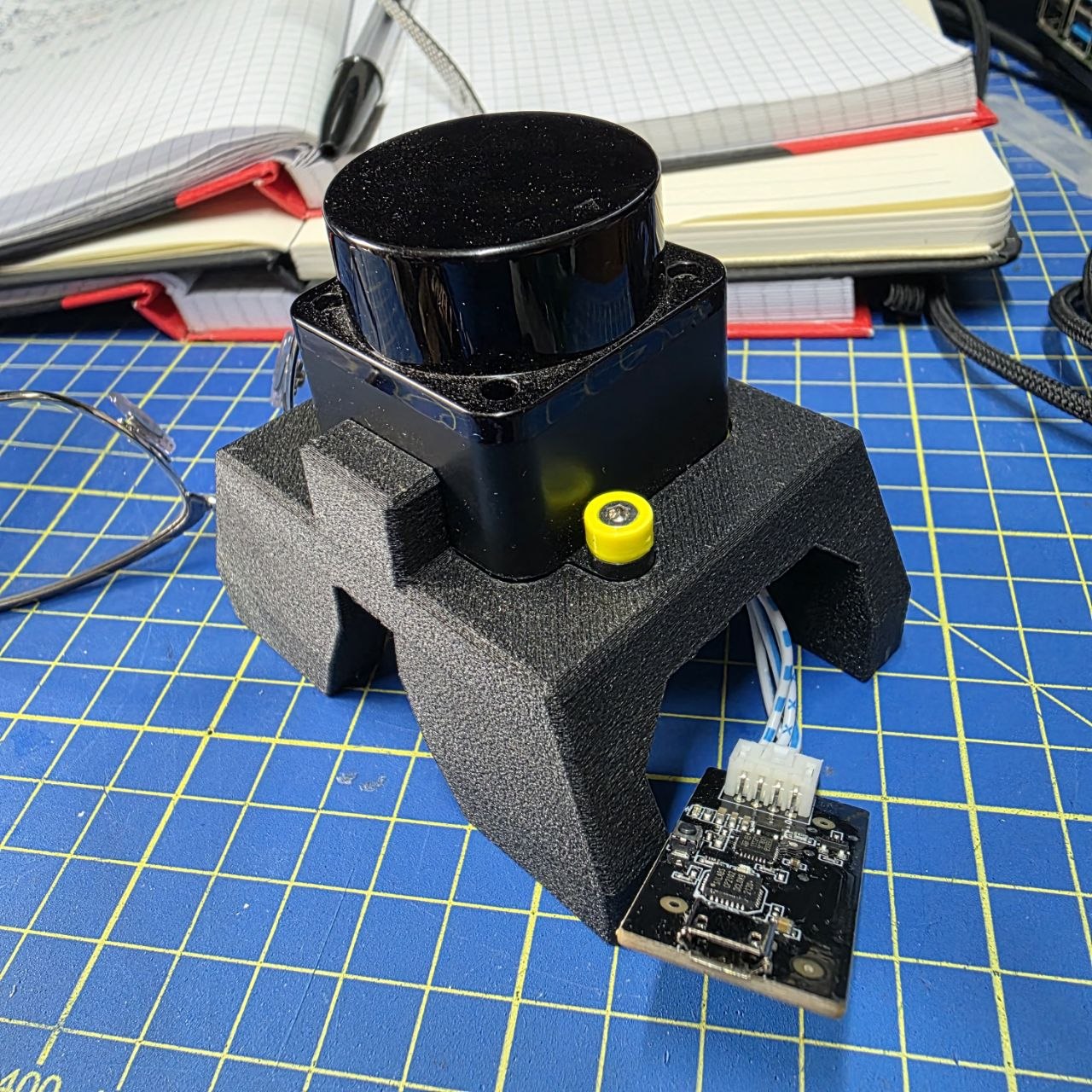
I decided to kick things off with a project that is very close to my heart: the LD Lidar ROS 2 Driver. This project actually started from a place of mild frustration for me. Back in 2021, I backed the LDRobot Kickstarter for the LD19 lidar. When it finally arrived, I was eager to get it running on MyzharBot. However, I quickly discovered that while a ROS 1 driver existed, there was absolutely nothing for ROS 2. Since I was already moving all my development to the newer stack, I didn’t want to look back or use bridge hacks.
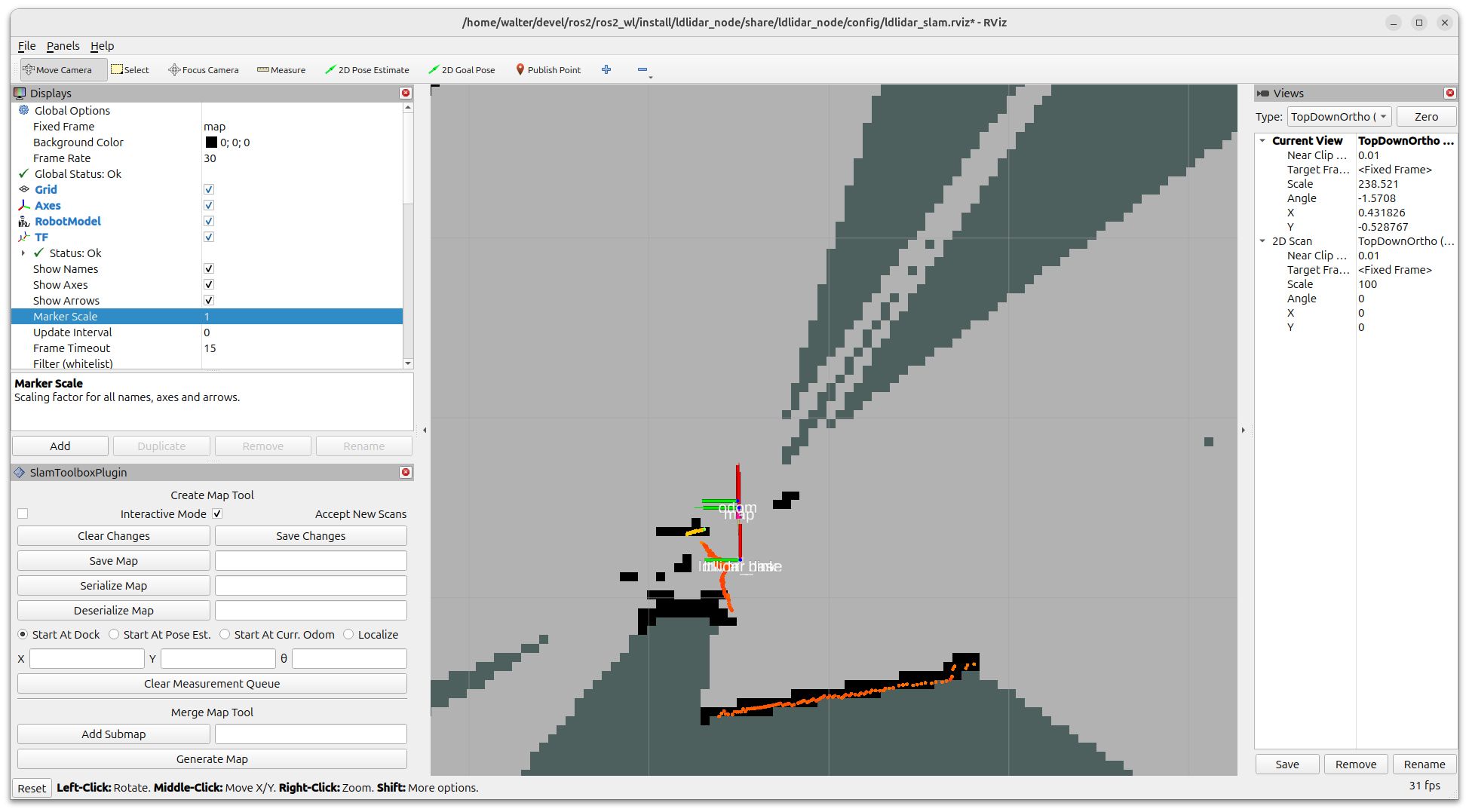
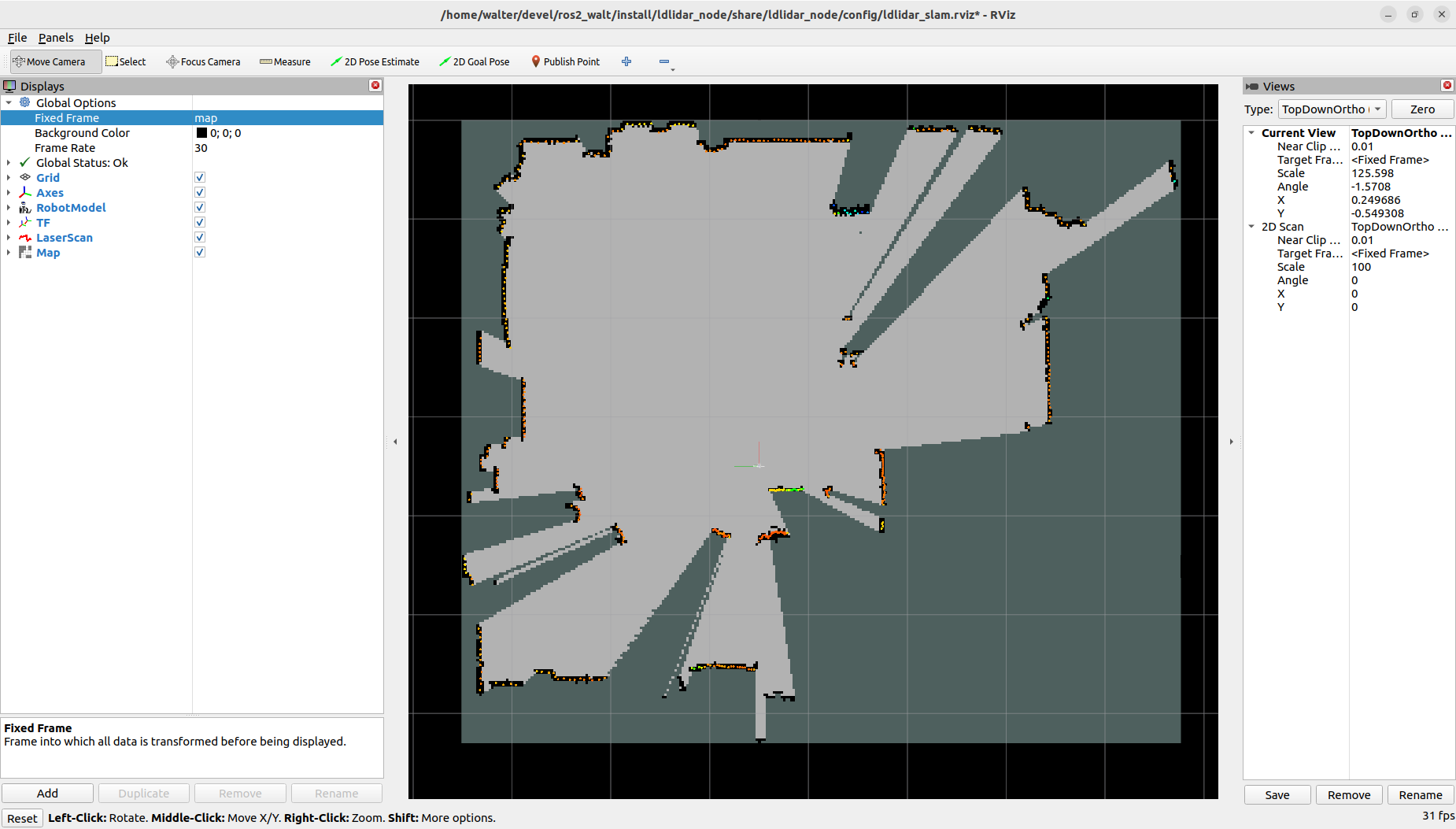
What began as a quick weekend hack for me to get a basic /scan topic publishing eventually evolved into a much more robust project. I didn’t want just a prototype script; I wanted a driver that followed modern ROS 2 best practices. I implemented it using Nav2 Lifecycle nodes to ensure predictable state management, integrated it with SLAM Toolbox for easy mapping, and I even sat down to model a custom URDF for the sensor because I couldn’t find a decent 3D model anywhere online.
I also added udev rules to handle those common “permission denied” serial port issues that always seem to pop up at the worst times, and I included benchmarking tools to verify latency, because in robotics, I know that every millisecond counts. It’s been incredibly rewarding for me to see members of the community chime in to confirm support for the LD06 sensor as well. Currently, I’ve ensured that everything works smoothly on both ROS 2 Humble and Jazzy.
This is just the beginning for the Projects section. I have several other packages in the pipeline, ranging from custom sensor interfaces to navigation utilities, that I can’t wait to document and share with you all. I truly believe that by sharing these complete projects, I can help others bridge the gap between “learning” ROS 2 and actually “building” with it.
I’m already working on the next set of project pages, so stay tuned for more updates!
Happy robotics programming! 🤖