Welcome to the CUDA Tutorials series! NVIDIA® CUDA™ is the platform that turns an NVIDIA GPU from a display adapter into a general-purpose parallel processor, and it underpins nearly every modern deep learning and computer vision pipeline that runs faster than real time. This series covers CUDA from the concepts you need before writing a single kernel to the concrete, applied case of running GPU-accelerated inference in a real pipeline.
Who this series is for
These tutorials are aimed at developers who want to understand what their GPU is actually capable of and how to put that capability to work, rather than treating CUDA as a black box that “makes things fast.” Some familiarity with C++ or Python is assumed, and prior GPU programming experience is not required for the conceptual tutorials, though the applied tutorials expect a working NVIDIA driver and CUDA toolkit installation.
A structured learning path
1. Understanding your hardware. Start with NVIDIA CUDA Compute Capability, which explains what Compute Capability actually measures, why it determines which CUDA features, data types, and tensor core operations are available on your specific GPU, and how to look it up before you build anything that depends on it.
2. Applying it to a real pipeline. Detecting Everyday Objects with YOLO, OpenCV DNN and CUDA puts that hardware knowledge to work, building OpenCV with the CUDA DNN backend, verifying the GPU path is actually being used instead of silently falling back to the CPU, and running a COCO-trained YOLO model in real time from Python or C++.
3. What’s next. Future additions will dig deeper into CUDA programming itself, kernels, memory hierarchies, and streams, so bookmark this page and check back as the series grows.
Technical prerequisites
Tutorials in this series target Linux (Ubuntu is the reference platform) with a CUDA-capable NVIDIA GPU and a recent driver installed; where a CUDA toolkit or cuDNN version matters, the tutorial states it explicitly. No prior CUDA experience is required to follow the conceptual material, but the applied tutorials assume you can build software from source and read a CMake configuration, since that is how the GPU-accelerated tools in this series are typically compiled.
Why this series exists
Most CUDA content online is either a dense low-level programming guide or a one-line “just install CUDA” instruction that skips the part where GPU features vary wildly between hardware generations, and inference silently falls back to the CPU when a single build flag is wrong. This series bridges that gap, explaining what your hardware can actually do before showing you how to exploit it in a real, working pipeline.
| Tutorial | Description | |
|---|---|---|
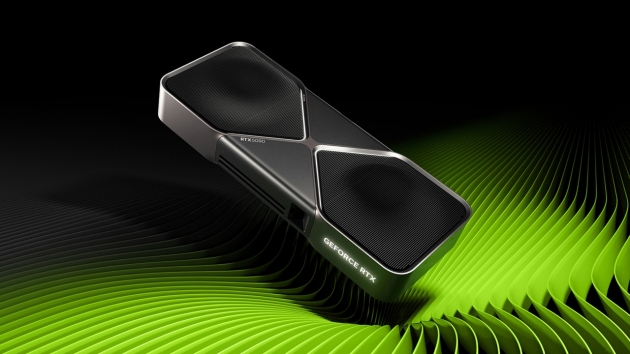 |
NVIDIA® CUDA™ Compute Capability | An overview of CUDA Compute Capability and its importance in GPU programming, helping you understand which GPU features are available on your hardware. |
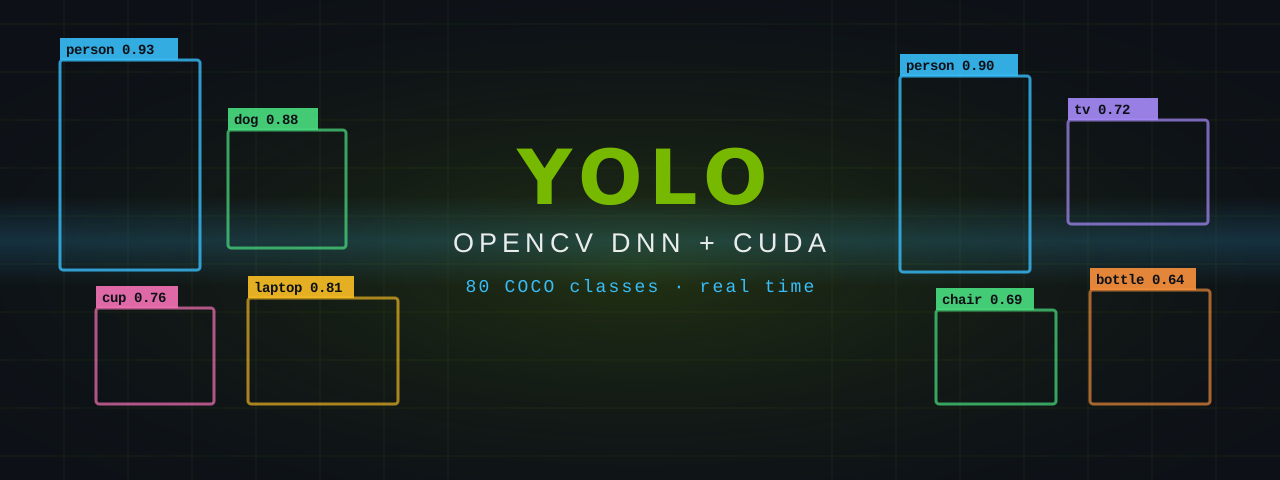 |
Detecting Everyday Objects with YOLO, OpenCV DNN and CUDA | Put the GPU to work on real-time object detection: build OpenCV with the CUDA DNN backend, verify it is actually being used, and run a COCO-trained YOLO model from Python or C++. |