Welcome to the OpenCV Tutorials series! OpenCV (Open Source Computer Vision Library) is the most widely used computer vision toolkit in the world, powering everything from academic prototypes to production robotics and industrial inspection lines. This collection does not try to cover the entire library; instead, it focuses on the specific slice of OpenCV that turns a camera stream into something a machine can actually act on: building the library with GPU support, running deep learning inference through the DNN module, and wiring the result into a real-time pipeline.
Who this series is for
These tutorials are aimed at developers, roboticists, and researchers who already know their way around a terminal and want to move past toy examples straight to a working, GPU-accelerated setup. You do not need prior experience with OpenCV’s DNN module or CUDA internals; each tutorial explains the concepts it introduces before putting them to work. You do need a Linux machine (Ubuntu is the reference platform throughout), a working knowledge of Python or C++, and, for the GPU-focused tutorials, an NVIDIA GPU; the CUDA and cuDNN stack itself is covered as part of the build process, so you don’t need to have it configured beforehand.
A structured learning path
The series is organized as a progression, from a working build to a running inference pipeline, so you can follow it top to bottom or jump straight to the topic you need.
1. Building the foundation. Everything else depends on a correctly built OpenCV, so start with Installing OpenCV 5 with CUDA and DNN Support on Ubuntu 24.04. It walks through the NVIDIA driver, the CUDA and cuDNN stack, every CMake flag that decides whether GPU inference actually works, and a verification ladder that catches the failures OpenCV never reports on its own, including the NumPy 2 trap that Ubuntu 24.04 sets for unsuspecting builders.
2. Putting the DNN module to work. With a CUDA-enabled build in hand, Detecting Everyday Objects with YOLO, OpenCV DNN and CUDA runs a COCO-trained YOLO model in real time using nothing but OpenCV and the GPU you just configured. It covers complete Python and C++ code, the letterbox and output-tensor math behind YOLO-style detectors, and the OpenCV 5 engine trap that silently pushes inference back onto the CPU if you miss one setting.
3. What’s next. Future tutorials in this series will build on this foundation to cover additional DNN architectures, video pipeline optimization, and integration with frameworks like ROS 2, so bookmark this page and check back as new content is added.
Technical prerequisites
Most tutorials target Ubuntu 24.04 with a recent NVIDIA driver and an NVIDIA GPU with CUDA support; older Ubuntu LTS releases are noted where they diverge. Comfort with the command line, cmake, and basic Git usage is assumed, since the build tutorial compiles OpenCV from source rather than relying on prebuilt packages. Code samples are given in Python and C++, so pick whichever matches your project; no deep learning background is required, as the tensor shapes and math behind each model are explained inline.
Why this series exists
Official OpenCV documentation explains individual API calls well, but rarely walks through the full path from a fresh Ubuntu install to a GPU-accelerated detector running in real time, and the gap is usually filled by scattered, version-mismatched forum posts. Each tutorial here distills that path into a single, tested, end-to-end guide, with every CMake flag, environment quirk, and silent failure mode called out explicitly so you don’t have to rediscover it yourself. If a step here saves you an afternoon of debugging a CUDA build or a misconfigured DNN backend, that’s the series doing its job.
| Tutorial | Description | |
|---|---|---|
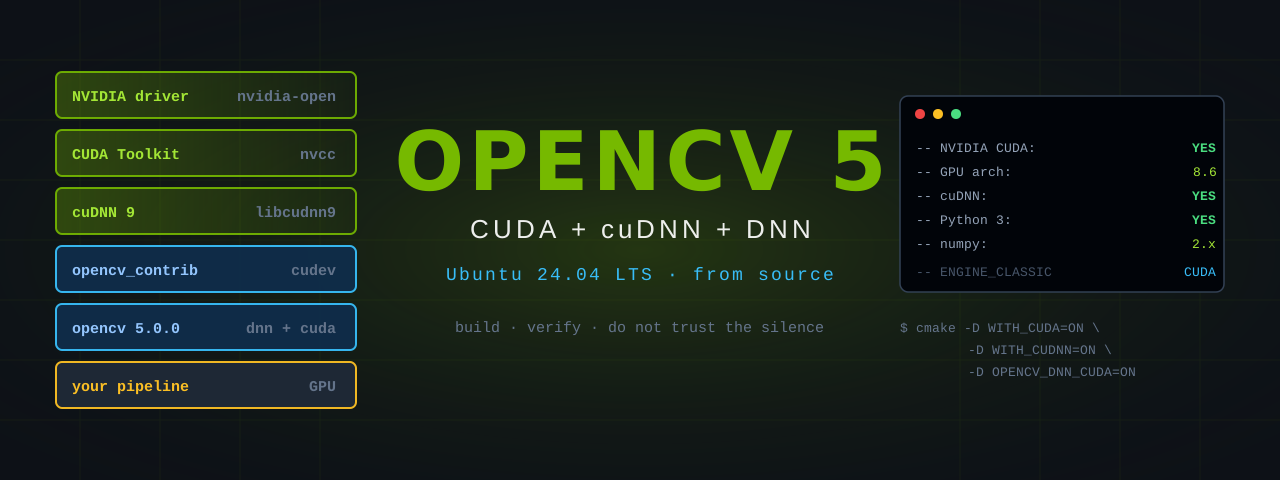 |
Installing OpenCV 5 with CUDA and DNN Support on Ubuntu 24.04 | Build OpenCV 5.0.0 from source with the CUDA DNN backend. The NVIDIA driver, CUDA and cuDNN stack, every CMake flag that decides whether GPU inference works, the NumPy 2 trap Ubuntu 24.04 sets for you, and a five-step verification ladder that catches the failures OpenCV never reports. |
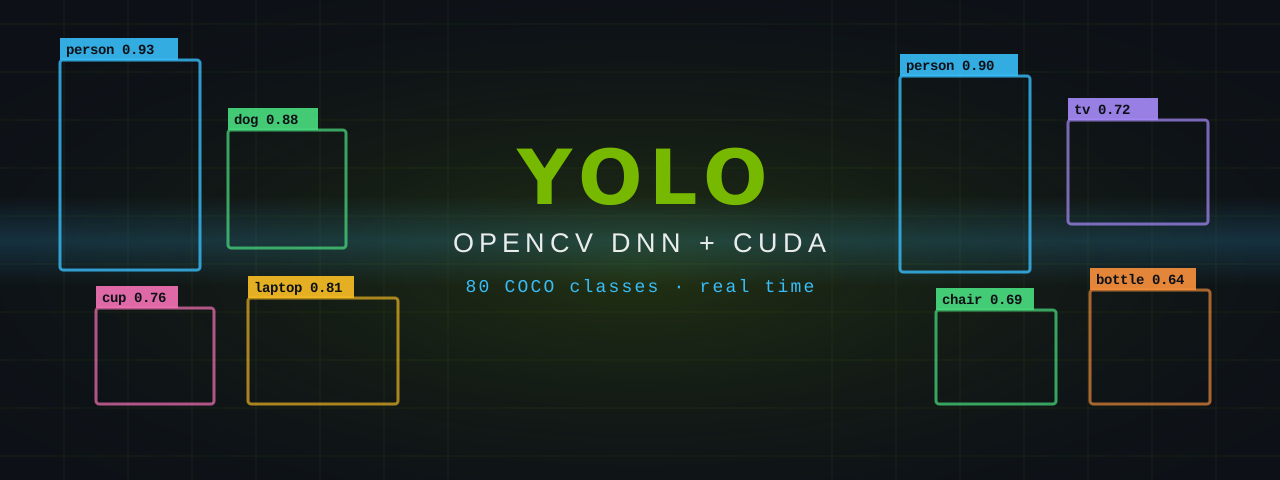 |
Detecting Everyday Objects with YOLO, OpenCV DNN and CUDA | Run a COCO-trained YOLO model in real time using nothing but OpenCV and an NVIDIA® GPU. Complete Python and C++ code, the letterbox and output-tensor maths explained, CUDA build instructions, and the OpenCV 5 engine trap that silently sends your inference back to the CPU. |