Welcome to the ROS 2 Tutorials series! ROS 2 (Robot Operating System 2) is the open-source framework that powers most modern robotics projects, from research prototypes to industrial and commercial platforms. This collection is designed to take you from your very first ros2 run command all the way to production-grade concepts like lifecycle management and Quality of Service tuning, with each tutorial written to be practical, self-contained, and easy to follow.
Who this series is for
Whether you’re a student building your first robot, a hobbyist experimenting with ROS 2 on a Raspberry Pi, or a professional engineer integrating ROS 2 into a commercial product, you’ll find tutorials pitched at your level. No prior ROS 2 experience is assumed; each article introduces the concepts it needs before putting them to work. Some familiarity with Linux (Ubuntu is the reference platform for most examples) and basic command-line usage is helpful, and a working knowledge of Python or C++ will make the code samples easier to follow, but neither is a hard requirement to get started.
A structured learning path
Rather than a random collection of how-tos, this series is organized as a progression, so you can follow it from top to bottom or jump straight to the topic you need.
1. Getting started. Begin with Understanding ROS 2 for the history and core concepts behind the framework, then move to Installing ROS 2 to set up your development environment. From there, Starting ROS 2 Nodes walks you through running your first nodes with ros2 run and ros2 launch.
2. Core building blocks. Once your environment is running, the next group of tutorials covers the concepts every ROS 2 developer eventually needs. Understanding the ROS 2 Communication Middleware explains how nodes actually talk to each other under the hood, comparing DDS implementations with Zenoh. Configuring a ROS 2 Node Using Parameters shows how to make your nodes configurable at runtime instead of hardcoding values, and Understanding ROS 2 Node Names and Namespaces explains how to structure larger systems without naming collisions.
3. Advanced topics. The final group is aimed at developers building larger, more demanding systems. ROS 2 Python Launch File Explained goes deep into the syntax and structure of launch files, which quickly become essential once a project grows beyond a handful of nodes. ROS 2 Node Composition Explained covers how to run multiple nodes in a single process for lower overhead and zero-copy communication. Lifecycle (Managed) Nodes explains the managed-node state machine used by tools like Nav2, and ROS 2 QoS Explained tackles Quality of Service policies, one of the most common sources of “why aren’t my nodes talking to each other” bugs in real deployments.
What you’ll need
Most tutorials assume a recent Ubuntu LTS release (22.04 or 24.04) with a supported ROS 2 distribution installed; the Installing ROS 2 tutorial covers this step by step if you haven’t done it yet. A terminal, a text editor, and a willingness to run a few commands are all you really need to get value out of these guides. Code examples are provided in Python and, where relevant, C++, so pick whichever language matches your project.
Why ROS 2, and why this series
ROS 2 was built to address the real-time, security, and multi-robot requirements that its predecessor couldn’t fully satisfy, and it has since become the de facto standard for robot software development across academia and industry. Understanding it well pays off far beyond any single project: the concepts covered here, node communication, parameters, namespaces, launch files, composition, lifecycle management, and QoS, form the backbone of almost every ROS 2-based system you’ll encounter, including popular stacks like Nav2 and MoveIt.
This series exists because these concepts are often scattered across official documentation, forum threads, and outdated blog posts. Each tutorial here distills a single topic into a focused, up-to-date explanation with runnable examples, so you can build a solid mental model instead of just copying commands. Bookmark this page and come back to it as your projects grow in complexity; new tutorials are added regularly as the ROS 2 ecosystem evolves.
| Tutorial | Description | |
|---|---|---|
 |
Understanding ROS 2 | An introduction to ROS 2, including a brief history, an overview of key concepts and core components, and a look at the framework’s capabilities. |
 |
Installing ROS 2 | A step-by-step guide to installing ROS 2 on your system, covering prerequisites and instructions for Ubuntu-based platforms. |
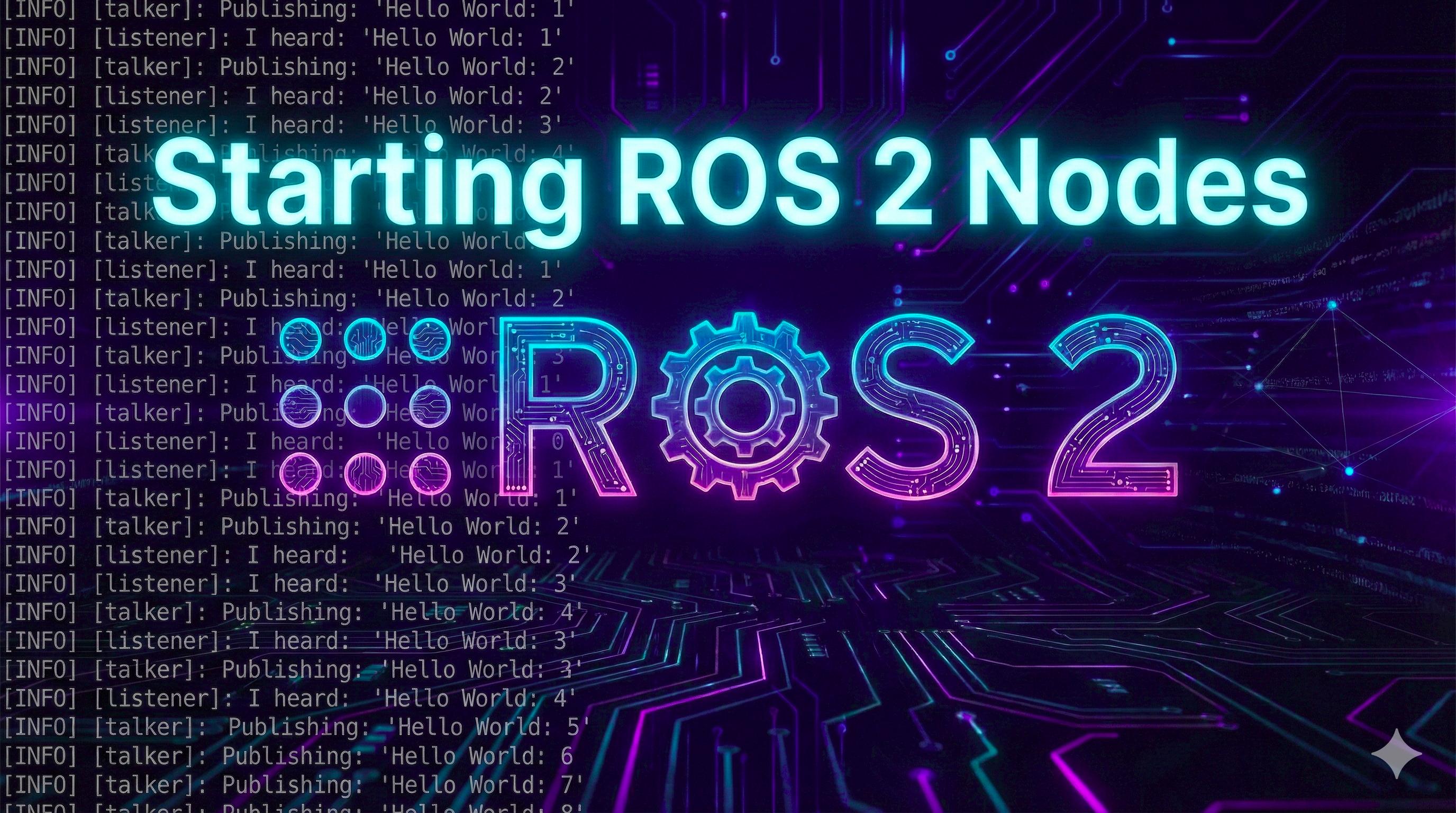 |
Starting ROS 2 Nodes | Learn the basics of launching ROS 2 nodes using ros2 run and ros2 launch, including an example of creating a simple Python launch file. |
 |
Understanding the ROS 2 Communication Middleware | A deep dive into the ROS 2 communication middleware, covering key concepts, customization options, strengths and weaknesses of available implementations, and Zenoh as the only alternative to DDS-based solutions. |
 |
Configuring a ROS 2 Node Using Parameters | Learn how to configure ROS 2 nodes using parameters via CLI commands and YAML files, with practical examples for modifying node behavior at runtime. |
 |
Understanding ROS 2 Node Names and Namespaces | An explanation of node names and namespaces in ROS 2, including best practices for naming and organizing nodes within a ROS 2 system. |
 |
ROS 2 Python Launch File Explained | Python launch file explained in detail, covering structure, syntax, and best practices. |
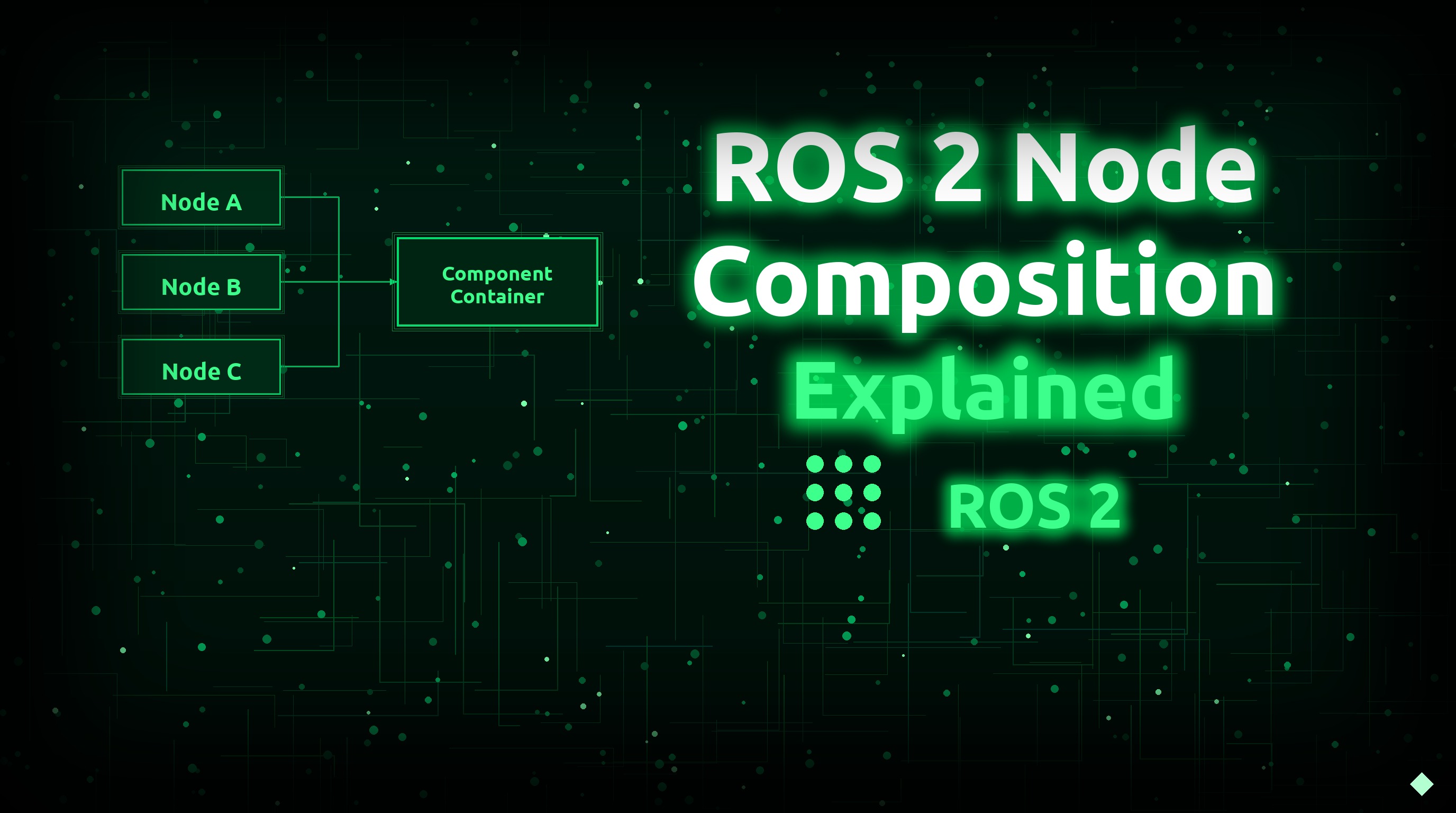 |
ROS 2 Node Composition Explained | Learn how to use ROS 2 node composition to run multiple nodes in a single process, reducing overhead and enabling zero-copy intra-process communication. |
 |
Lifecycle (Managed) Nodes | Understand the ROS 2 lifecycle state machine from first principles: all states, all transitions, the callbacks you must implement, and how Nav2’s Lifecycle Manager and real hardware drivers use it. |
 |
ROS 2 QoS Explained | A deep dive into Quality of Service: why QoS matters, every QoS policy explained, publisher/subscriber compatibility tables, and how to tune QoS using node parameters and qos_overrides. |
Happy robotics programming! 